


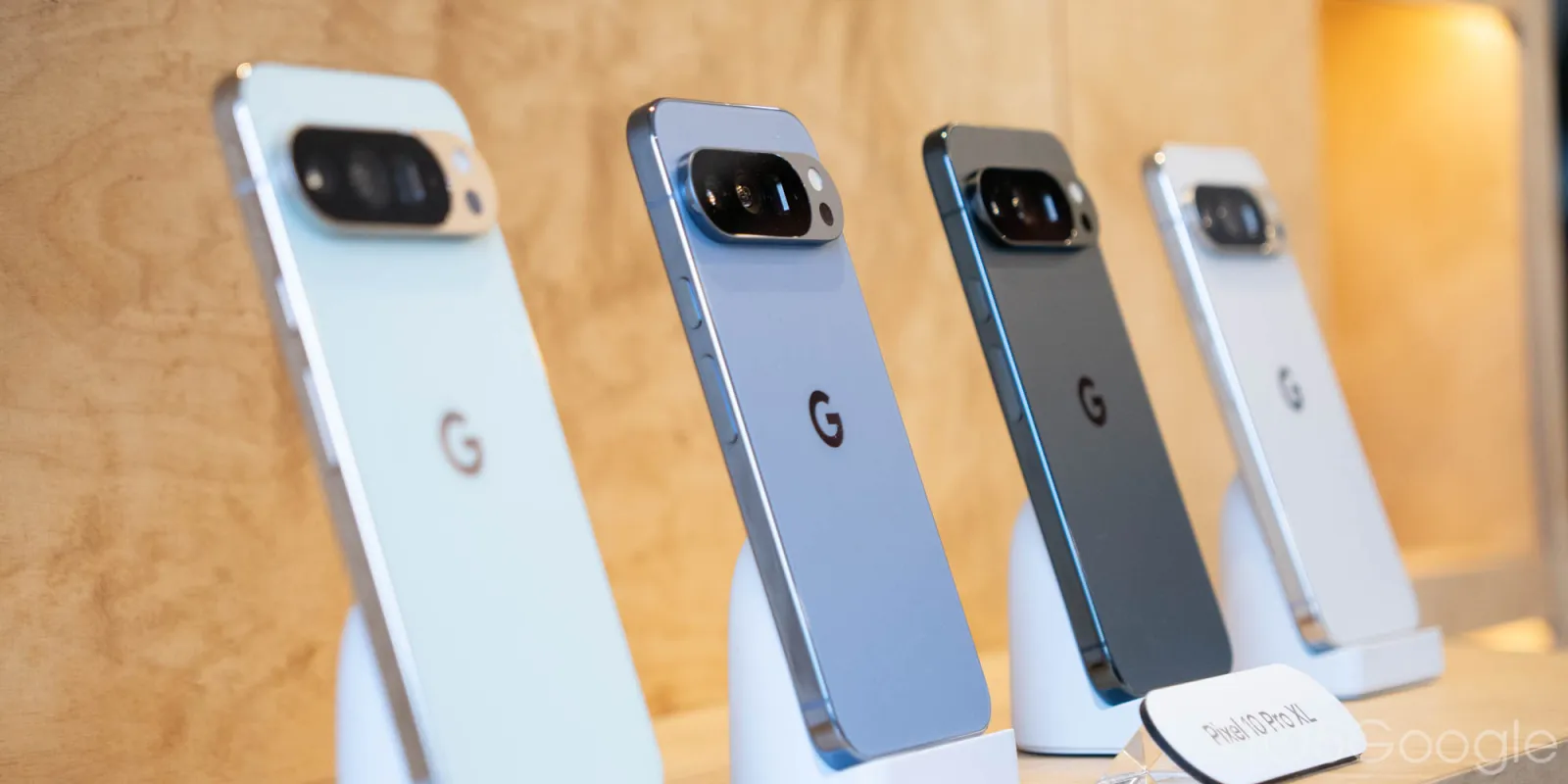
The latest advancements in Google’s Pixel lineup are compelling, especially with the roll-out of Android 16 QPR3 in March 2026. This update introduces new functionalities and addresses several critical issues across devices. Enhancements span various sectors, including Audio, Camera, Display & Graphics, and User Interface, ensuring a smoother experience for users.
On the security front, the update tackles 63 vulnerabilities, categorized from “High” to “Critical,” with ten fixes specifically designed for Google hardware.
Device Overview
- Pixel 6: CP1A.260305.016
- Pixel 6 Pro: CP1A.260305.016
- Pixel 6a: CP1A.260305.016
- Pixel 7: CP1A.260305.016
- Pixel 7 Pro: CP1A.260305.016
- Pixel 7a: CP1A.260305.016
- Pixel Tablet: CP1A.260305.016
- Pixel Fold: CP1A.260305.016
- Pixel 8: CP1A.260305.016
- Pixel 8 Pro: CP1A.260305.016
- Pixel 8a: CP1A.260305.016
- Pixel 9: CP1A.260305.016
- Pixel 9 Pro: CP1A.260305.016
- Pixel 9 Pro XL: CP1A.260305.016
- Pixel 9 Pro Fold: CP1A.260305.016
- Pixel 9a: CP1A.260305.016
- Pixel 10: CP1A.260305.016
- Pixel 10 Pro: CP1A.260305.016
- Pixel 10 Pro XL: CP1A.260305.016
- Pixel 10 Pro Fold: CP1A.260305.016
- Pixel 10a: CP1A.260305.016
To better understand the impact of the Pixel’s Android 16 March update, consider the following points:
Audio Enhancements
- Resolved a lag in displaying audio settings.
- Fixed occasional audio crash issues.
Camera Improvements
- Enhanced camera stability by fixing service crashes.
Display and Graphics Fixes
- Addressed system crashes affecting Android performance.
- Fixed issues causing screen freezes, improving usability.
- Tackled display irregularities for a clearer viewing experience.
- Corrected background blur issues in the All Apps screen.
- Boosted GPU performance on the Pixel 10 via driver optimization.
Framework Adjustments
- Resolved UI freezing issues in certain scenarios.
- Fixed processing-related freezes caused by Android features.
- Cured crashes linked to service startups.
- Corrected inaccurate battery status reports, especially during wireless charging.
Telephony Enhancements
- Improved stability to prevent unexpected cellular service drops.
- Enhanced connection performance under various conditions.
User Interface Updates
- Fixed app navigation issues when accessing recent apps.
- Resolved delays when opening audio output selections post-music playback.
Key Takeaways
– Attention to detail in software updates significantly enhances device functionality.
– Security patches are vital for protecting user data and maintaining device integrity.
– Ongoing device optimization contributes to a smoother user experience.
– Performance improvements benefit users across various applications.
– Regular updates indicate a commitment to product longevity and user satisfaction.
In summary, Google’s efforts to upgrade Pixel devices demonstrate a clear focus on user experience and security, making these updates valuable for current users and a fitting point of interest for potential buyers.