

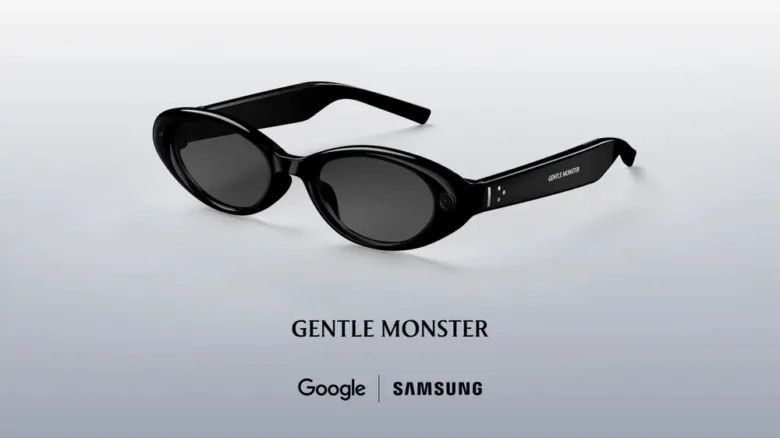
During this year’s Google I/O event, we were given a rare chance to experience Google’s upcoming AI glasses, which promise a unique blend of audio and visual capabilities as opposed to the audio-only version set to launch later this fall.
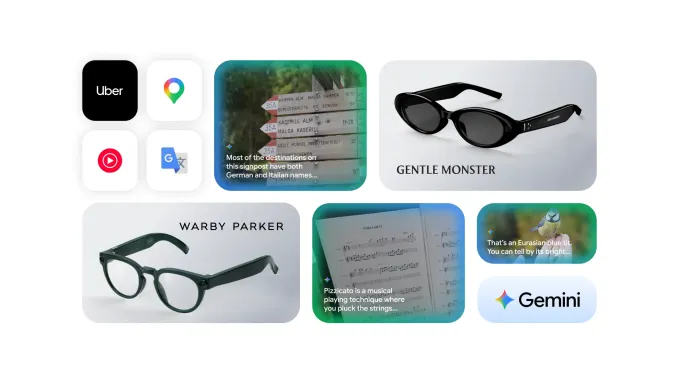
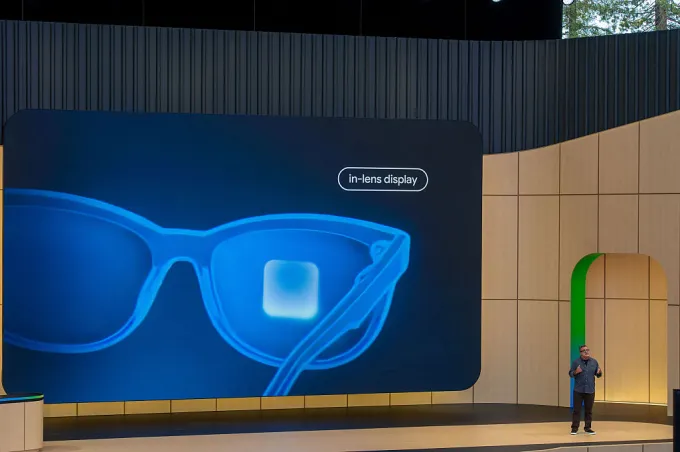
Originally revealed at last year’s gathering, the Android XR glasses feature an in-lens display designed to overlay helpful information directly onto your field of vision. Users can anticipate widgets that might share real-time weather data, navigation assistance, Uber details, and even live translations—all accessible through personal AI configurations.
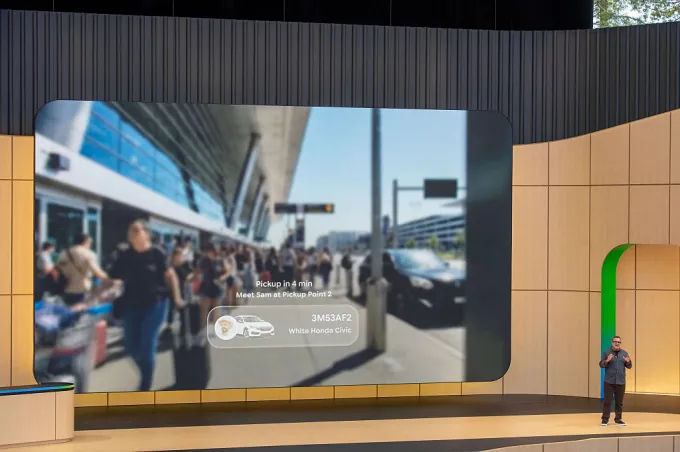
Moreover, these smart glasses are designed to sync with both iOS and Android devices, incorporating functionality that goes beyond auditory experiences and paving the way for more interactive engagement with your smartphone.
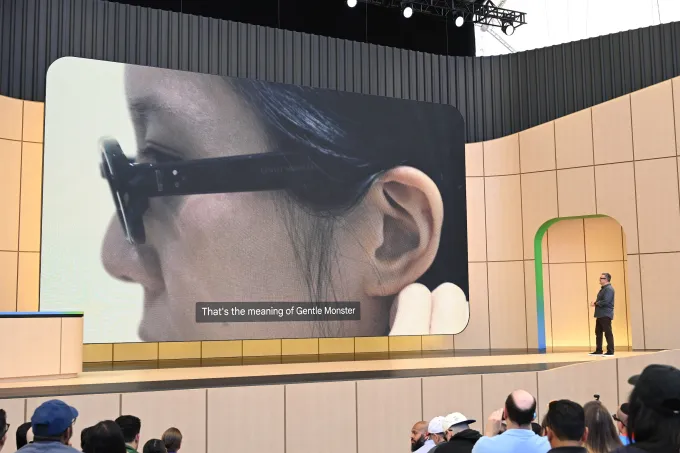
Developed in collaboration with popular eyewear brands, the glasses mark a significant advancement from their earlier audio-only models. They meld sophisticated technology with stylish designs to enhance user experience.
While still in the prototype stage, these glasses allowed Google to assess the technological aspects without fixating on aesthetic details, giving them the freedom to innovate and refine the core functionalities, such as display technology and battery life management. This means the prototype we experienced may differ significantly from the finalized product.
One noteworthy feature expected to be available in the consumer version is the ability to sense when the glasses are worn or removed— a functionality not present in the prototype.
To initiate the AI assistant, a simple two-second press on the frame activates the system, accompanied by an audio cue. In the demonstration, this action also activated the camera, although users will have the option to customize certain settings in the retail edition.
During our trial, we asked the assistant to stream music. Unfortunately, the bustling venue made sound quality difficult to assess; the music’s volume was high but clarity was lacking. Nevertheless, it seems these glasses might only serve as a casual listening device rather than a substitute for high-end earbuds. However, they do promote awareness of your surroundings, enabling users to remain engaged in conversations.
Turning off the music is as simple as tapping the frame once, mimicking a casual tap to your temple.
We also took photos using the glasses, sending them directly to our devices. The option for video captures is forthcoming but not yet available for testing. Users can ask the assistant to take a photo using voice commands and apply AI edits on the result, like transforming a person into an animated character—a novel angle of interactivity.
Picture transfer during our test took around 45 seconds, likely impacted by the venue’s Wi-Fi congestion.
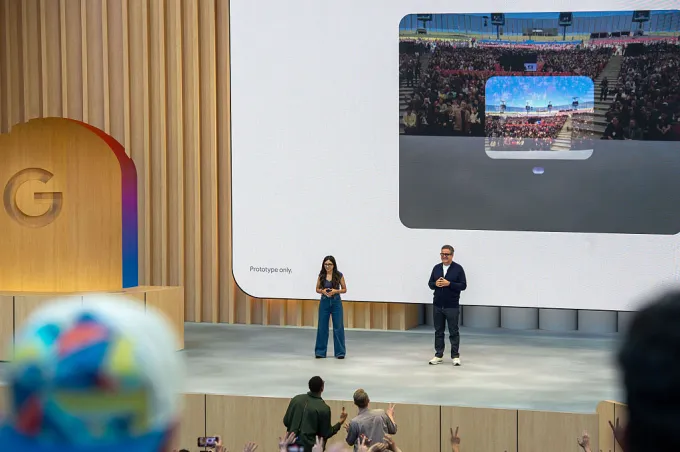
When activated, the glasses present a minimalistic home screen with predefined widgets displaying useful information, like weather updates and event countdowns. Users can create quick-launch shortcuts for apps, tailoring the experience to their routines.
The prototype we tried had a display on one side, with potential for dual displays in the final version. The visual output was slightly unclear, possibly due to our vision correction needs. An evaluation with one eye closed showed an improved focus, but some eye strain was experienced, suggesting that further refinement may be needed for comfort.
One standout feature was language translation, facilitated by the Translate app on the user’s phone. In a demo, we witnessed real-time translations displayed visually while audio feedback was provided directly to us, a feature that seems particularly appealing for international travelers.
This translation capability will also function on the audio-only glasses but without visual support; users will rely on their phones for text transcriptions while still receiving audio feedback.
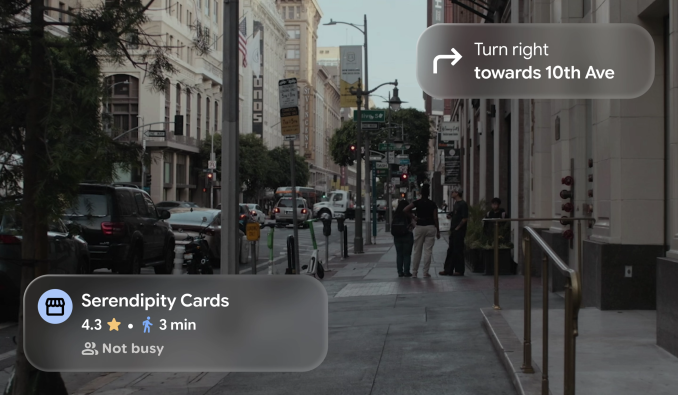
Another area of exploration involved navigation. Although we couldn’t physically navigate the area, we simulated the Google Maps experience by asking for directions. The glasses displayed turn-by-turn guidance, enabling us to maintain our forward view while receiving navigational prompts.
Since this functionality connects directly to Google Maps, any saved locations will also be easily accessible for quick navigation.
We briefly tested the object identification feature, but its performance varied, taking time to recognize certain items. While challenges were encountered, it did successfully identify a plant and respond to questions, though similar functionality is readily available through Google Lens and other AI applications today.
Looking ahead, Google plans to share more regarding its XR display glasses in the near future as its tester program expands.

As Google weighs its strategy, it appears the audio-only edition offers a practical alternative while the advanced display version is in development—a prudent approach, considering the competitive landscape with firms like Meta and Snap.
Like the anticipated visual model, the audio version also integrates with Google’s Gemini AI, facilitating music playback, photography, call management, and app navigation—all within a single device.
Although we did not delve into third-party app integration during our time with the glasses, Google demonstrated functionalities such as adding ingredients to a shopping list or offering cooking tips based on real-time visual feedback.
Key Takeaways
- The glasses aim to merge stylish design and advanced technology.
- Current prototypes focus on exploring technology without final aesthetic considerations.
- Real-time translation and navigation features could revolutionize daily interactions for users.
- Functionality will extend beyond music, offering a rich media experience.
- Google’s commitment to refining these devices is evident, and more updates are expected soon.