

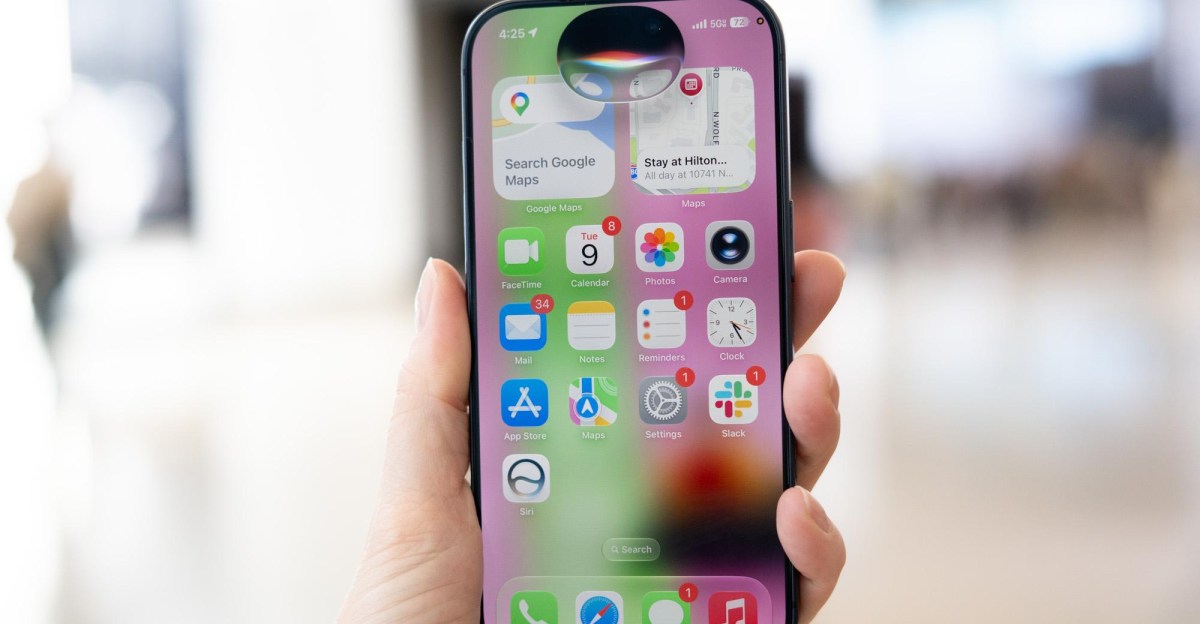
Exploring Siri’s New AI Features: A User Experience
For parents juggling busy schedules, the last thing you want is to sift through endless emails and flyers just to note down important events like soccer games or school theme days. Thankfully, Apple’s revamped Siri promises to alleviate some of that stress. With new AI capabilities on the iPhone, this version of Siri can seamlessly add those events to your calendar with just a few commands.
Apple has made significant improvements to Siri, striving to create a more capable assistant. The upgraded Siri can assist with various tasks—from diagnosing garden issues to generating a shopping list for home improvement projects. Users can ask questions about their daily schedule or how to care for plants, and Siri accesses relevant details from your calendar and email to provide comprehensive answers. Testing revealed that Siri performs these tasks effectively, showcasing enhanced functionality compared to previous versions.
Key Features in Action
A major highlight of the new Siri is its ability to pull information from multiple sources—think calendar events, emails, and reminders. When inquiring about returning rented camera gear, Siri immediately located the due date from the calendar. Additionally, saying “add these events to my calendar” initiated a prompt that retrieved displayed information, demonstrating the assistant’s contextual understanding.
However, the range of features remains relatively basic by today’s standards. Comparatively, other AI assistants have been ahead in their capabilities, allowing users to quickly add events from screenshots for over a year. This newly engineered Siri feels somewhat like playing catch-up with existing offerings.
Siri’s conversational tone may lack the warmth found in competitors. For example, when discussing wilting flowers, other assistants began expressing empathy, while Siri dove straight into offering solutions.
Despite some rough edges, Siri handled requests efficiently. A simple question about local garden centers yielded several suggestions, and it effectively created to-do lists and calendar events from a single prompt—though these tasks are fairly straightforward. The consistent performance indicates that this new iteration is a step forward in delivering a reliable assistant.
Interface changes encourage users to engage with Siri more frequently. Whether pulling down the home screen for app search or pressing the wake button, Siri is more integrated into the iPhone experience than ever before.
In conclusion, this version of Siri reflects an eagerness to rebuild trust with users after past disappointments. While still in its early stages, it has shown promising signs of effectiveness in a world increasingly reliant on AI for everyday tasks.
Key Takeaways
User-Friendly Integration: Siri now incorporates relevant data from various apps, making it easier to complete tasks.
Context Understanding: The AI’s ability to comprehend context improves its performance on complex prompts.
Conversational Tone: Compared to competitors, Siri’s responses may feel more functional than empathetic.
Enhanced Accessibility: Interface changes make it simpler for users to interact with Siri in everyday situations.
Stepping Stone for Future Updates: While still basic, this iteration of Siri marks significant progress toward enhancing user experience in AI interactions.