

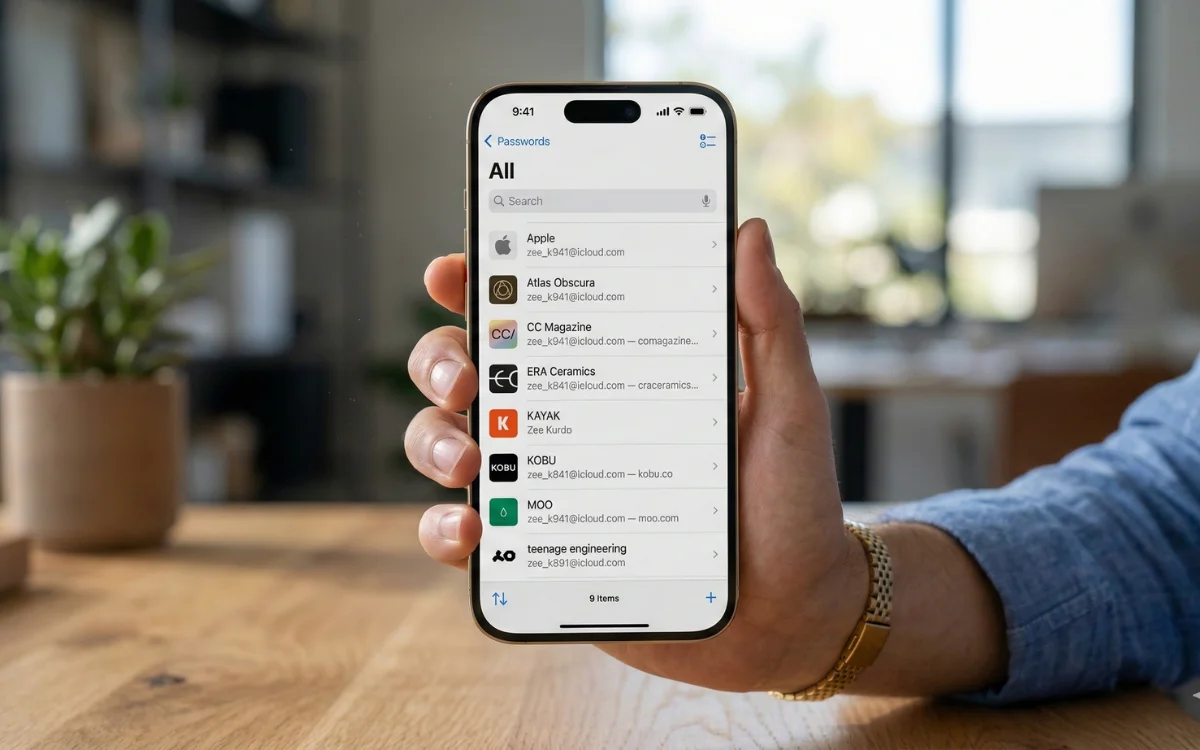
With the recent update of iOS 26, Apple has made significant enhancements to its Passwords app, positioning it as a front-runner among password management tools.
Improvements to the Apple Passwords App in iOS 26
Originally launched with iOS 18, the Apple Passwords app allows users to securely save and manage their passwords. Despite its utility, prior iterations lacked several features, prompting many to resort to alternative password management systems.
iOS 26 addresses these shortcomings with substantial modifications. One notable addition is enhanced credit card support. Users can now manually enter their complete credit card details into Apple Wallet. This offers convenient access to financial details, eliminating the need to toggle between apps. Furthermore, credit cards can now be directly accessed via the autofill menu, making transactions quicker than ever.
Another key feature introduced is the version history for login credentials. This improvement allows users to retrieve previously saved passwords if they accidentally overwrite them, providing an added layer of security and ease.
Enhanced Functionality in Calendar App
The recent iOS rollout is not only about password improvements; it also brings advanced features to the Calendar app, powered by AI technology.
Formerly, screenshots would appear as small thumbnails, but in iOS 26, you receive a full-screen view. This new functionality utilizes Apple’s “visual intelligence” to analyze screenshots for useful details, including calendar events. For instance, when you capture a screenshot of an invitation, you can now see an option at the bottom to ‘Add to Calendar.’
By tapping this button, your iPhone automatically extracts relevant details to create a new calendar entry, including the event’s title, date, time, and location—streamlining your planning process significantly.
A Look Back at Apple’s iPhone Journey
2007: The first-generation iPhone is announced.
2008: The iPhone 3G is launched, adding 3G connectivity and the App Store.
2010: The first iPhone with Retina Display debuts, showcasing a new glass and steel design.
2011: Siri is introduced, revolutionizing voice command technology.
2013: Touch ID is brought to life with the iPhone 5S.
2016: Apple removes the headphone jack with the iPhone 7 series.
2017: Face ID makes its debut, enhancing security features.
2020: The iPhone 12 series introduces support for 5G connectivity.
2024: The iPhone 16 series features improved on-device AI capabilities and upgraded camera controls.
2025: The iPhone 17 series arrives, showcasing refined AI-driven features and a new Liquid Glass display.
Key Takeaways
- The updated Apple Passwords app in iOS 26 could streamline password management for many users.
- Improved credit card support allows for easier transactions through the autofill feature without app switching.
- A version history provides a safety net for users who manage multiple logins.
- The Calendar app benefits from AI features to automatically recognize and manage event details from screenshots.
- The ongoing evolution of Apple’s devices reflects its commitment to integrating innovative technology that enhances user experience.