

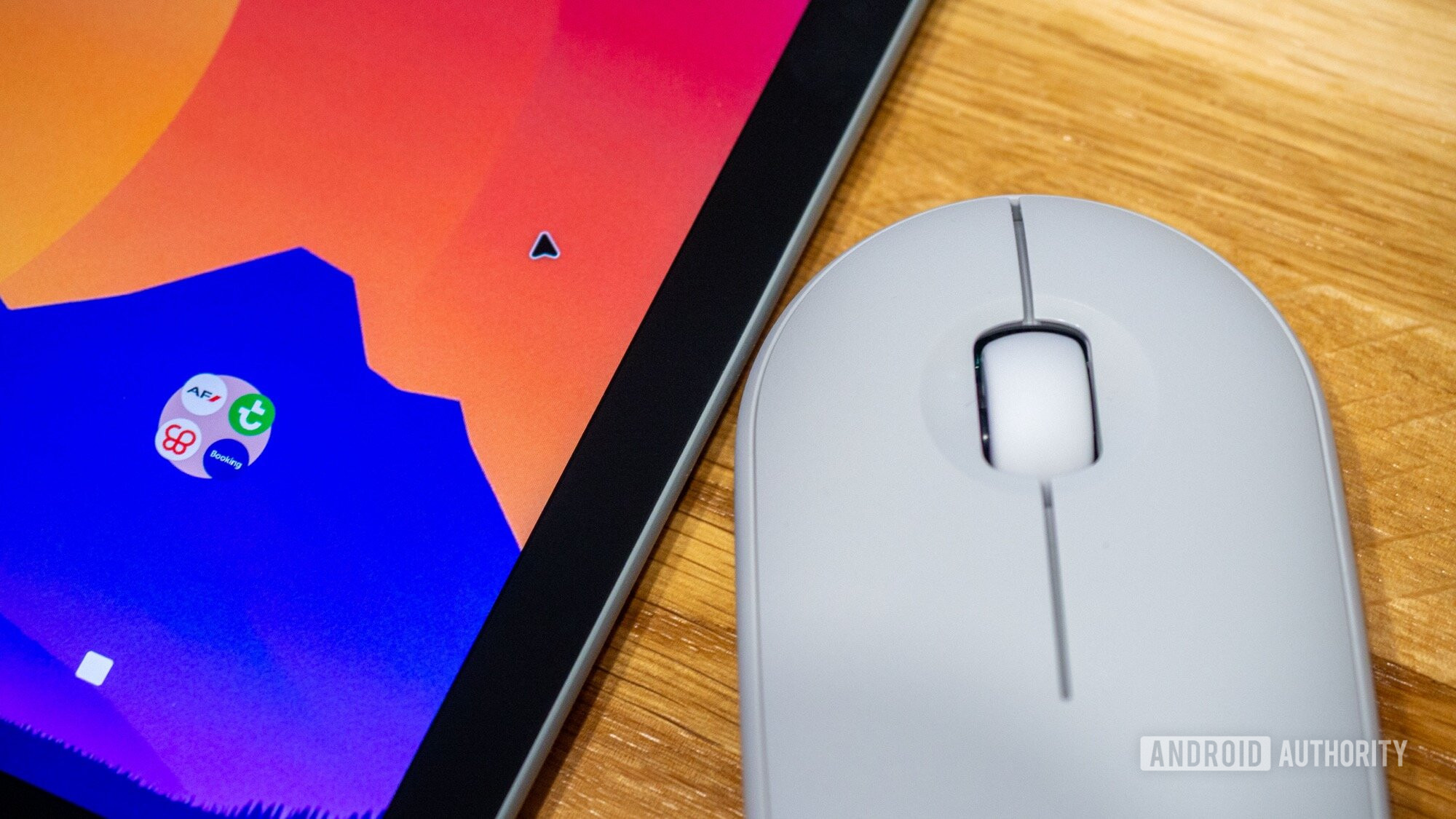
Android’s recent expansions towards a desktop-like experience have potential, especially for users transitioning from laptops to tablets. However, a key concern emerges when integrating traditional input devices like mice. Testing Android on the Pixel Tablet revealed an essential flaw: the back function faces hurdles when using a mouse.
Connecting a mouse should intuitively enhance navigation in an Android desktop experience. Unfortunately, the lack of a functional back command when using a mouse presents significant usability issues. For those accustomed to the back gesture for app navigation, this limitation can be a frustrating barrier.
The Integral Role of the Back Function
The back button has been a hallmark of the Android operating system since 2008, evolving alongside user expectations but remaining critical to navigation. Users depend on this function to navigate apps seamlessly—dismiss notifications, close pop-ups, or move back through application pages. Its absence can feel jarring.
Testing with a Logitech M350s mouse revealed that returning to the previous screen is often unreliable or unsupported. Some applications allow a makeshift back gesture by dragging the cursor from right to left, but this is inconsistent. An unreliable back command is a major obstacle in achieving a functional desktop environment on Android.
Finding Workarounds, but Not Solutions
Faced with these limitations, users may seek solutions. Basic mouse functionalities, like left and right clicks, exist, but direct support for reliably returning to the last screen is missing. Attempts to configure buttons were frustrating; essential functionalities like a click-and-hold option for back were lacking.
This absence of native solutions forces users to revert to a three-button navigation scheme for a clickable back button. While this method provides some relief, it is a clunky workaround to a problem that needs addressing at the operating-system level.
A Need for System-Level Revisions
The mouse usage experience highlights a critical gap in Android’s desktop strategy. While trackpads allow for gesture controls that enable more fluid navigation, catering solely to this input device is unrealistic, especially for users who prefer a mouse setup.
Though Google includes the back function in the taskbar of Android’s desktop mode, the experience feels incomplete. Relying on users to shift their mouse to the bottom of the screen for elementary navigation undermines overall usability.
The time is ripe for Android to revamp its approach to desktop functionality. Ensuring basic commands like “Back” work effectively with a mouse is fundamental. If Android aims to succeed on desktops, especially as it merges mobile and desktop ecosystems, comprehensive solutions to this navigation flaw must be prioritized.
Key Takeaways
- Mouse Functionality Limits: While Android expands to desktop platforms, mouse support remains insufficient, particularly concerning essential navigation features.
- Back Button is Critical: The lack of a reliable back function disrupts user experience, frustrating those accustomed to seamless app navigation.
- Search for Solutions: Users must resort to cumbersome workarounds due to insufficient native support for back navigation with a mouse, undermining usability.
- System-Level Changes Needed: For Android to thrive on desktops, basic functionalities like mouse-supported navigation must be prioritized.
- Future Improvements Required: Google has an opportunity to refine the operating system before broader deployment, emphasizing responsive and functional mouse interactions.