

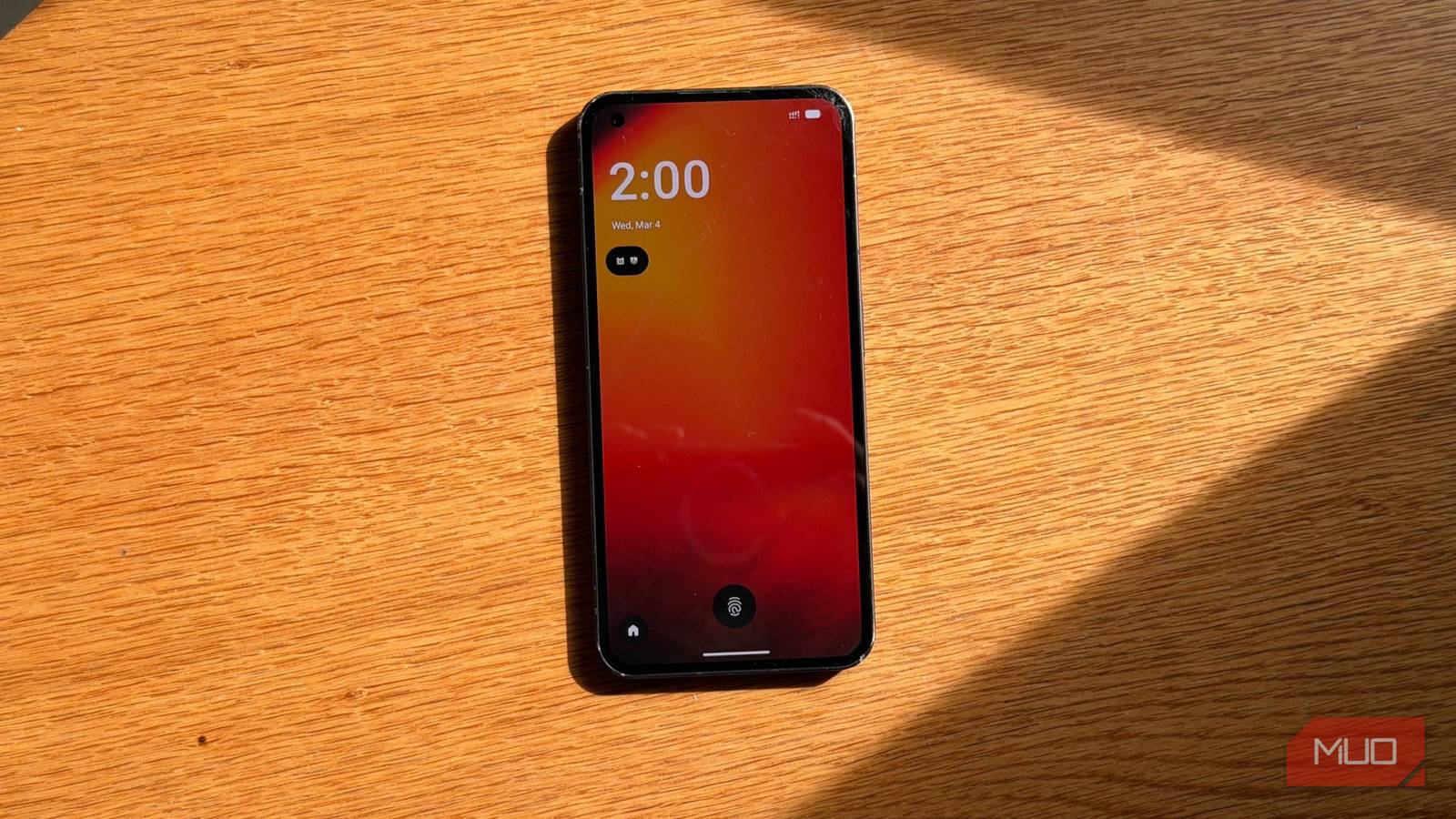
After years of enjoying my Nothing Phone (1), switching from the original OS to LineageOS for Android 16 turned out to be bittersweet. My anticipation started when I first heard about the device. Upon its release, I jumped at the chance to get one, and for a long time, it served me flawlessly as a secondary phone.
However, the excitement waned when the official updates ceased at Android 15. With Android 17 beta trending, I felt left behind. When I learned that LineageOS officially supported the Nothing Phone (1), I felt compelled to make the switch.
Installation: A Simple Yet Daunting Process
The process of installing LineageOS was easier than I anticipated. The documentation provided by the LineageOS team is detailed, yet uncertainty always lingers. Anyone who’s fiddled with custom firmware knows that one wrong move can lead to a bricked device.
If you’re not meticulous about following instructions, proceed with caution. Although the installation requires multiple steps, it doesn’t take long if you’re attentive. LineageOS doesn’t include Google services by default, which some users appreciate. I merely wanted Android 16, and installing the Google apps package afterward was easy.
First Impressions of LineageOS
Upon booting into LineageOS, my initial reactions were positive. The UI closely resembles stock Android, offering a clean aesthetic. I enjoyed the enhancements from Android 16, particularly the responsive quick settings panel.
My primary concerns, such as the performance of the fingerprint sensor and the Glyph interface, were mostly alleviated. Although the fingerprint scanner felt a tad slower, it worked without issue, and the Glyph settings remained accessible.
The Drawbacks of Stock Android
But then reality hit. I missed many features previously at my fingertips, particularly Android’s new desktop mode. I soon discovered that my phone’s USB-C port is limited to USB 2.0, which lacks support for DisplayPort Alt Mode, thus turning my hope for a portable workstation into a disappointment.
A Lack of Personality and Features
As I resumed normal use of my phone, the regret began to set in. The interface felt generic—just another Android device in a sea of similar alternatives. While stock Android has its merits, I found the design lacking character compared to the lively NothingOS that originally drew me in.
With NothingOS, I enjoyed unique icons, custom fonts, and engaging widgets. Transitioning to LineageOS stripped away much of that charm, reducing the identity of my device to something far less distinctive.
Camera Quality Takes a Dive
The final straw came when I attempted to take photos. To my dismay, I found myself using a basic camera app instead, lacking the advanced modes and image processing that enhanced my photos.
In an attempt to regain camera functionality, I tried sideloading the Nothing Camera app. While it installed, it failed to function when I tried to launch it.
Conclusion
Taking everything into consideration, my experience with LineageOS has been a mixed bag. The shortcomings in software and features ultimately outweighed the benefits, prompting me to revert to NothingOS.
Key Takeaways
- Custom ROMs like LineageOS provide a path for phone owners to access newer Android versions beyond manufacturer updates.
- Installation requires meticulous attention to detail, and skipping steps can lead to issues.
- The user experience can differ significantly between stock Android and manufacturer-customized interfaces.
- Some features, particularly software optimizations for hardware, may not hold up after switching to alternative operating systems.
- Before upgrading to a custom OS, it’s helpful to weigh the pros and cons based on your specific device and usage needs.