

With the arrival of iOS 26, Apple’s Messages app has introduced features designed to enhance user experiences, notably a setting to filter out unwanted messages. After adjusting the settings, my experience has significantly improved.
‘Screen Unknown Senders’ combats spam
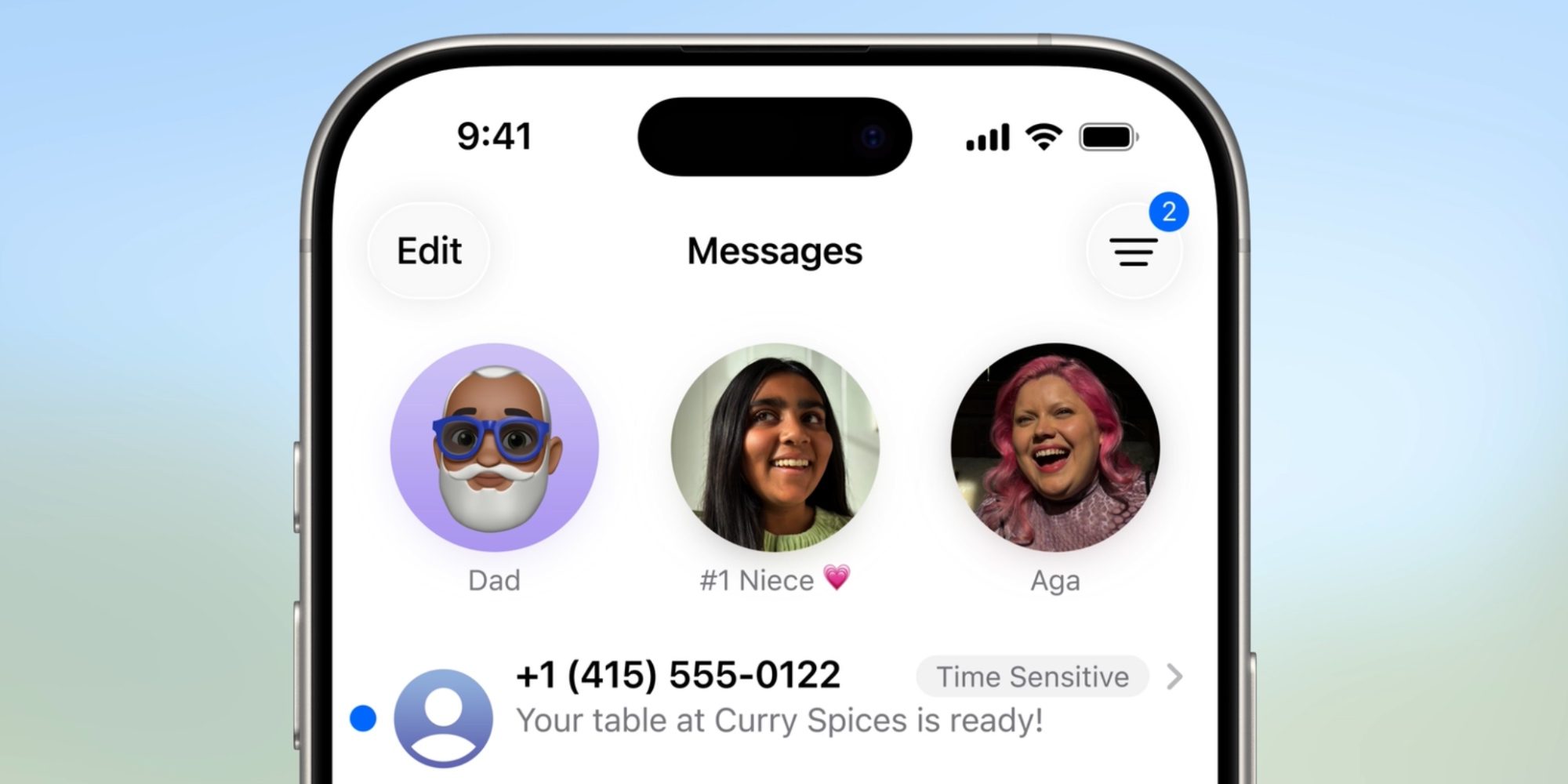
The latest iOS update has brought changes to the Messages app, including a feature aimed at reducing spam messages. The ‘Screen Unknown Senders’ option categorizes questionable texts, moving them out of the primary message thread.
This feature helps users manage their inbox by relocating potential spam into a designated section, accessible only when needed. Importantly, these messages do not trigger notifications, allowing for a less cluttered notification experience. Users can turn off this feature but Apple has included several filtering options to tailor the experience.
Adjusting settings enhances message filtering
Initially, I settled for a restrictive setting under ‘Screen Unknown Senders,’ limiting notifications to only those identified as urgent. This setting captured time-sensitive alerts but caused me to overlook important messages.
Frustrated, I considered disabling the feature, but found additional settings offered by Apple. By navigating to Settings > Apps > Messages, I could customize notifications for these screened messages.
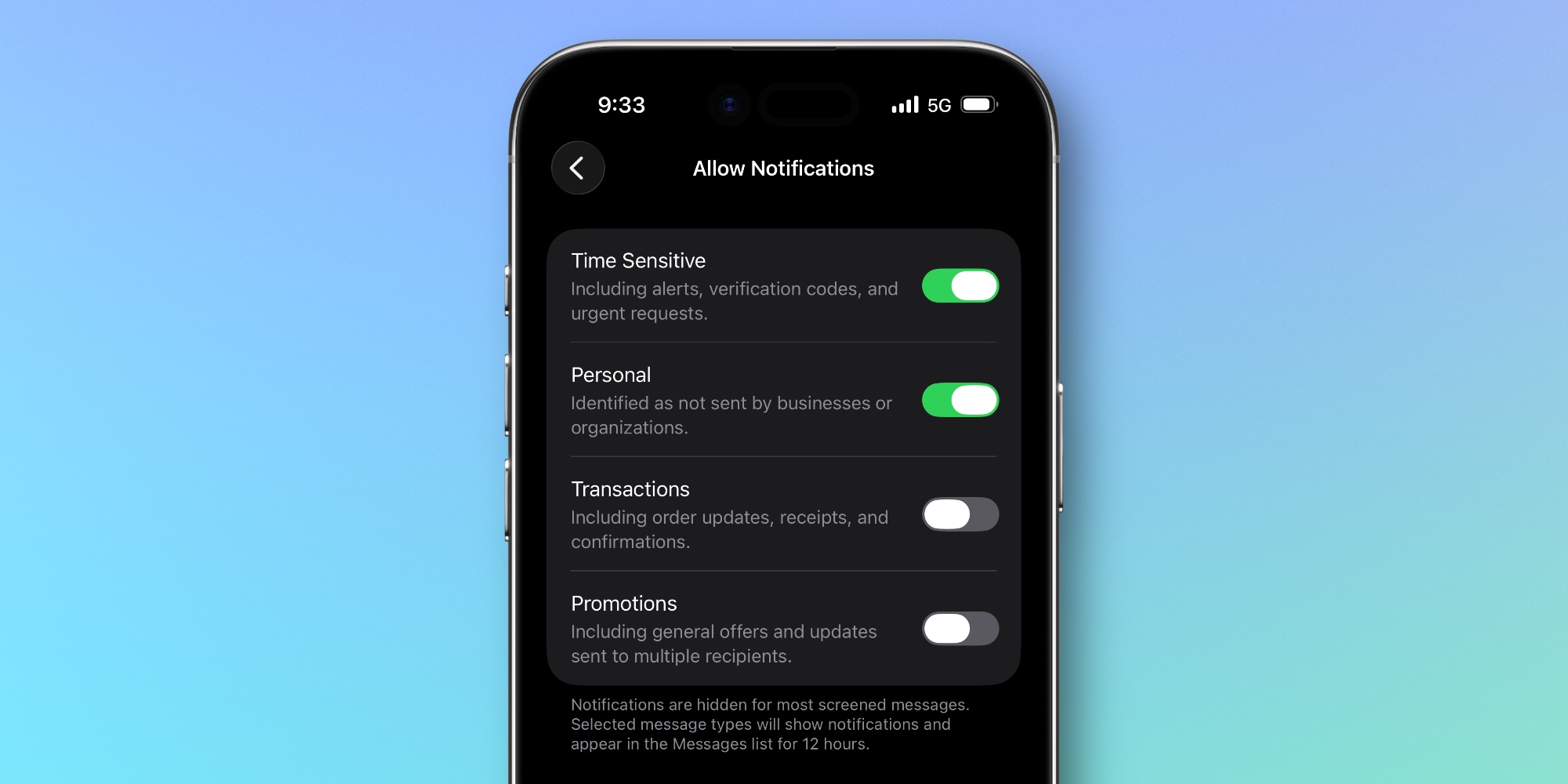
Within this menu, I discovered I could customize notifications for various message categories:
- Time Sensitive: Important alerts and verification notifications.
- Personal: Messages sent directly from individuals.
- Transactions: Updates related to purchases or confirmations.
- Promotions: General advertisements or updates for multiple users.
Enabling ‘Personal’ notifications significantly improved how I received messages, preventing me from missing important correspondence.
Since implementing this adjustment, the screening feature has become a valuable addition to my messaging experience. I’ve filtered out spam without losing essential messages, achieving a more manageable inbox.
Key Takeaways
As the iOS 26 update introduces new features, here are some observations and recommendations to navigate the changes:
- Explore notification settings in-depth to tailor your messaging experience.
- Engage with different categories of notifications to avoid missing important messages.
- Experiment with filters to balance spam reduction and message accessibility.
- Consider your communication habits and adjust settings based on your needs.