

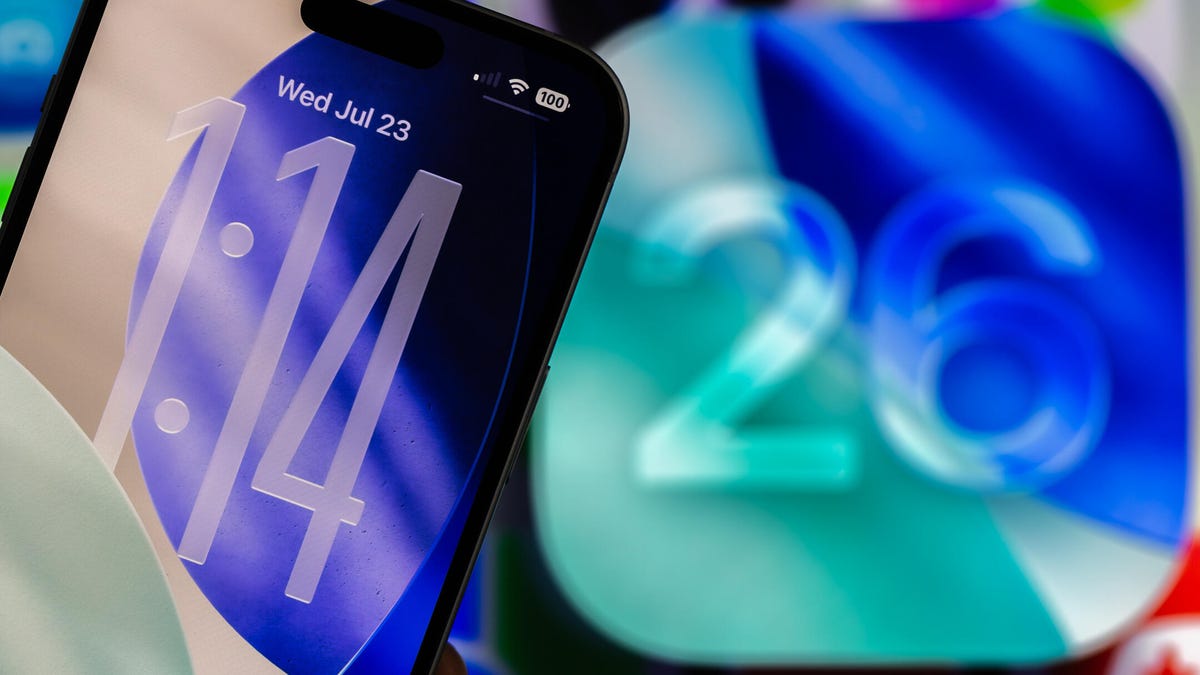
Latest Customization Options for Your iPhone Lock Screen in iOS 26
Apple has introduced iOS 26, packed with new features that enhance customization for your iPhone’s lock screen. This update improves functionality and offers users creative control over their device’s appearance.
The iPhone lock screen continues to evolve, allowing personalization of widget placements and notifications. Here’s what you can do with the latest updates in iOS 26.
Resize Your Lock Screen Clock
One of the most noticeable updates is the ability to adjust the size of your clock on the lock screen. This feature allows the clock to occupy nearly one-third of the screen, making it easy to read from a distance. To resize the clock, navigate to Settings > Wallpaper and select Customize for the desired lock screen. Manipulate the clock to your preferred size.
Note that while you can expand the clock, font options are currently limited.
Relocate Your Widget Dock
iOS 26 allows users to reposition the widget dock on the lock screen, moving it closer to the bottom right above the control options. To make adjustments, go to Settings > Wallpaper and select Customize. Tap and drag the widget dock to arrange it as desired. The dock will automatically snap into place if the clock has been enlarged, with no option for alternative placements.
Adding Depth to Your Wallpaper
This update introduces the ability to create a 3D visual effect, referred to as a “spatial scene.” This effect adds depth to your wallpaper, making elements appear to float or move as you tilt your device. To activate this, navigate to Settings > Wallpaper, choose your lock screen, and select the hexagon icon in the bottom right.
This spatial enhancement only works with your photos, not Apple’s pre-installed wallpapers.
Vibrant Controls
In a subtler change, iOS 26 automatically adds color to the controls at the bottom of the lock screen. Introducing a colorful control or customizing your own brightens up the display, adding flair to the minimalist interface.
Personalization at Your Fingertips
With each iOS update, Apple continues to allow more personal freedom in customizing the iPhone’s lock screen. The ability to resize the clock, reposition the widget dock, and add a spatial effect to photos enhances the overall user experience. There’s still room for improvement in flexibility with widget dock placement, making future updates exciting to anticipate.
Key Takeaways
- Clock Customization: Resize the clock on your lock screen for better visibility.
- Widget Dock Movement: Reposition your widget dock near the bottom for easier access.
- 3D Wallpaper Effects: Utilize the spatial scene option for dynamic wallpaper effects.
- Colorful Controls: Add color to your controls for a more personalized look.
- Future Enhancements: Expect ongoing updates that expand customization options even further.
Navigating these changes can provide a unique experience tailored to your preferences, allowing users to think critically about how they engage with their technology.