

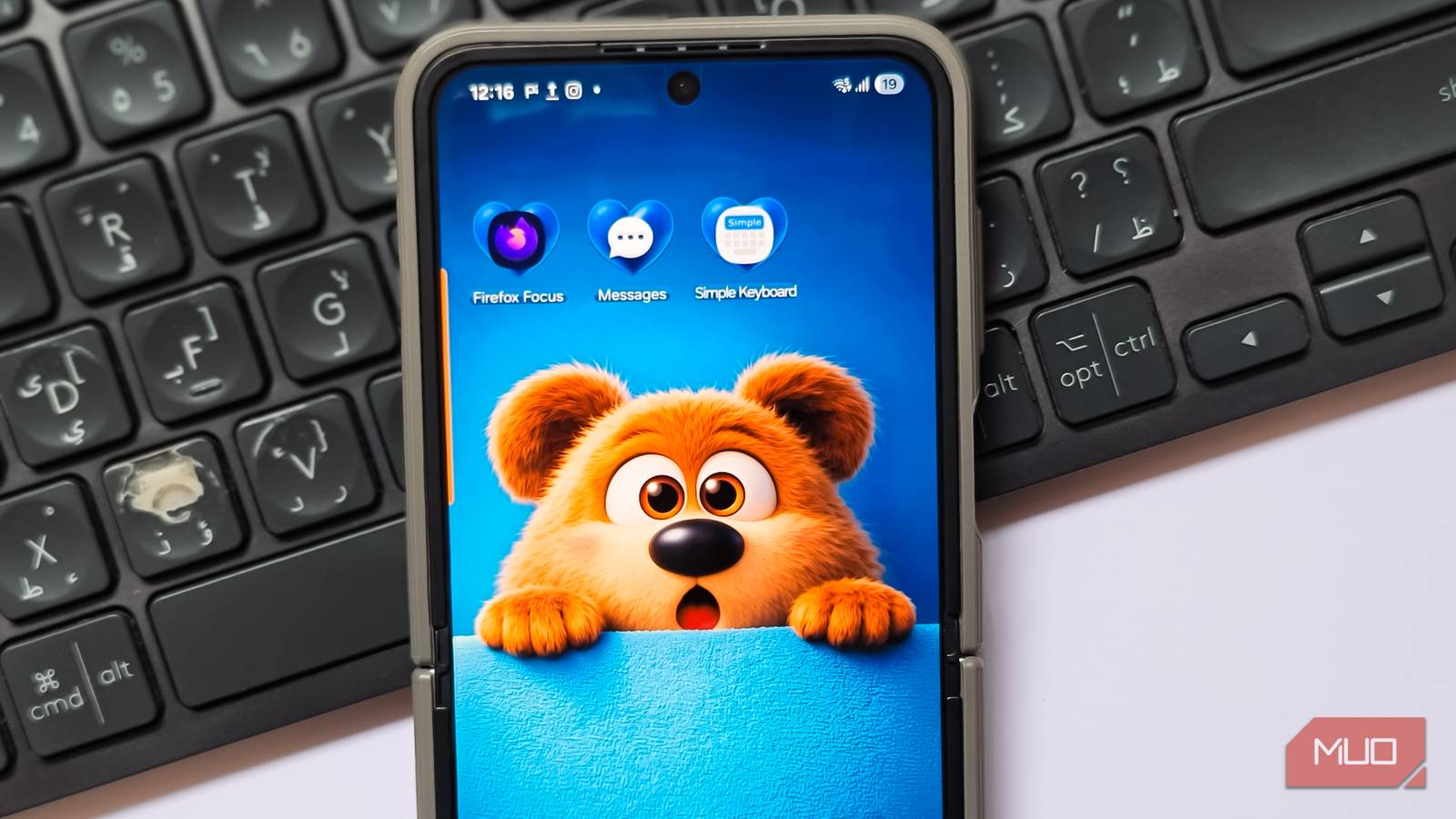
In preparing a smartphone for an elderly parent, I discovered that many pre-loaded applications were unnecessarily complex on their aging Android device. My priority was to find a lightweight browser, a straightforward keyboard, and a messaging app that offered customization without overwhelming features.
Streamlined Browsing with Firefox Focus
A lightweight browser that prioritizes speed and privacy
I replaced Chrome with Firefox Focus, Mozilla’s lightweight browser designed for simplicity and privacy. It limits browsing to one window and allows easy clearing of all browsing data. Focus automatically activates Enhanced Tracking Protection, blocking trackers without user input and enabling users to disable web fonts and JavaScript to save data. This is beneficial for older devices, leading to quicker page loading times.
However, Focus doesn’t block ads on YouTube or support multiple tabs, bookmarks, or extensions. For a basic browsing experience prioritizing speed, this app works well.
A Basic Typing Experience with Simple Keyboard
A no-nonsense keyboard for basic typing needs
While typically favoring SwiftKey, which can be overwhelming with its features, I found Simple Keyboard to be ideal for basic needs. This open-source app requires no internet access, tracking, or ads. It features a minimalist design and offers essential functionalities without distractions. Although it lacks advanced features like emojis and GIFs, it provides a swift typing experience.
Samsung Messages for Customization
More personalization options than Google Messages
Samsung Messages allows for personalization of chat backgrounds and text styles, unlike Google Messages. It offers features like a recycling bin to recover deleted conversations and better search capabilities to view message content in results, enhancing usability. However, RCS support is limited on non-Samsung devices.
Lighter Apps Equal a Faster Phone
These applications prioritize ease of use and performance, making them suitable for enhancing an older Android phone for casual browsing and basic texting. The result is a noticeably faster phone, with a tidier interface and reduced background activity. Sometimes, the most effective solution is to eliminate the apps that hinder performance.
Key Takeaways
- Streamlined applications can significantly improve smartphone performance, especially on older devices.
- Browsers like Firefox Focus enhance speed and privacy by limiting unnecessary features.
- Simple Keyboard offers an effective typing solution without distractions, ideal for basic users.
- Samsung Messages provides greater personalization compared to standard messaging apps, though it has compatibility limitations for RCS.
- Eliminating heavy, pre-installed apps can lead to a smoother, more efficient user experience.