

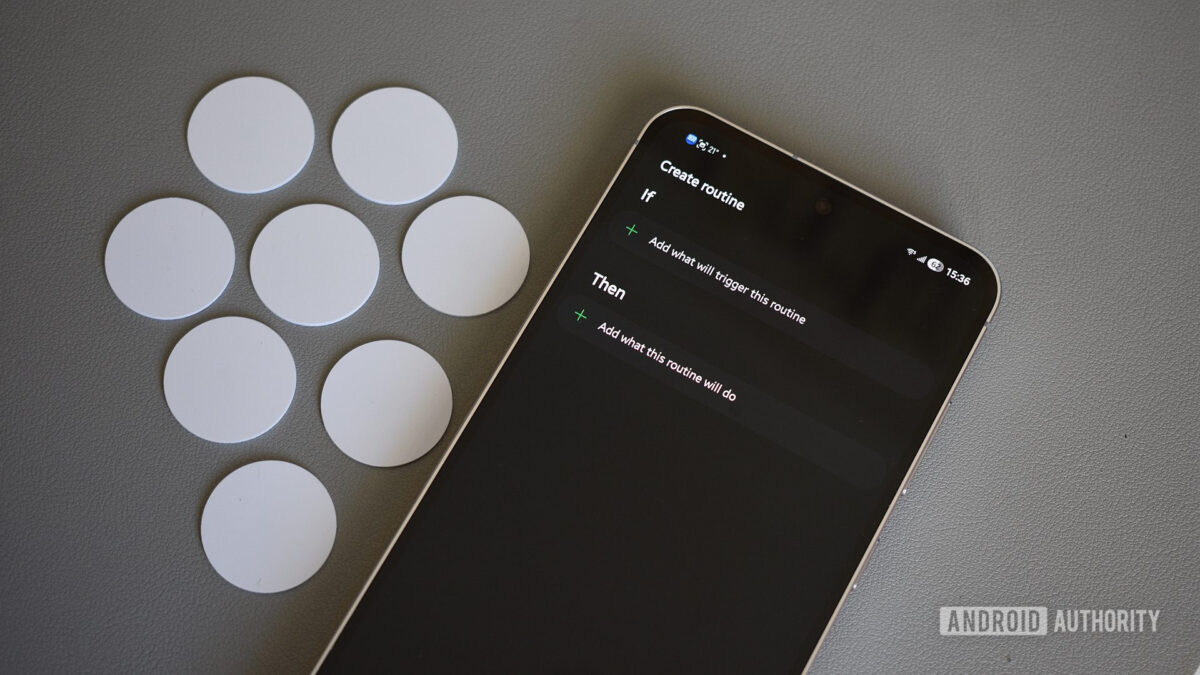
Samsung’s Routines feature within One UI often flies under the radar for many users. While some may be aware of its existence, few dive into the broader capabilities it offers. Initially, I restricted this feature to simple tasks like updating applications or automatically rotating the screen for apps like YouTube. However, as I began to explore further, it became apparent how transformative these routines could be.
Nowadays, my Galaxy phone effortlessly adapts itself throughout my day based on my habits. It activates a personalized driving mode upon entering my vehicle, sets up a cozy reading space for my nighttime sessions, and even manages battery performance intelligently when I’m outdoors. Although these tasks may appear trivial, they significantly simplify my daily life.
Here’s a closer look at the routines I’ve crafted which have become integral to my experience.
Morning Essentials at My Fingertips
Much like anyone else, I have a set routine when I wake up — checking the weather, my calendar, and catching up on overnight messages. I’ve programmed my phone to assist me in this ritual.
The first routine is straightforward: when I turn off my morning alarm, the phone reverts to sound mode. Following that, another routine launches Samsung’s Now Brief, showcasing essential updates like weather forecasts and calendar appointments, streamlining the information I need without the hassle of flipping through multiple apps.
Additionally, I have set up a clever notification that checks the day’s minimum temperature; if it dips below 5°C, my phone reminds me to grab a coat before stepping outside.
Customizable Driving Setup, No Android Auto Needed
Although my vehicle is equipped with Android Auto, I prefer a tailored routine when driving. As soon as my phone connects to the car’s Bluetooth, Google Maps launches automatically. This routine also resumes my playlist, eliminating the need to juggle controls. Minor tweaks like raising the screen brightness and increasing the media volume make my journey more enjoyable without extra effort.
Proactive Battery Management
Battery life is a constant concern. Instead of relying on the built-in power-saving feature, I’ve tailored a routine that engages when my battery dips below 50% while I’m outside. It triggers dark mode, reduces the refresh rate, adjusts the performance profile, and turns off the always-on display. These modifications effectively extend battery life without sacrificing usability.
Effortless Nighttime Reading
Reading on my phone is a nightly ritual that has replaced mindless scrolling through social media. To make this enjoyable, I created a routine that activates when I open my reading app post 9 PM. This routine dims the screen, engages Eye Comfort Shield, and activates dark mode, making it easier on my eyes.
Focus Mode at Work
One of my favorite setups is my work routine, which activates when my phone connects to the office Wi-Fi. This routine quiets notifications, activates vibrate mode, starts a focus playlist, and even changes the wallpaper. It sets the stage for me to concentrate better on the tasks at hand.
Key Takeaways
- Automate Morning Tasks: Set your phone to handle essential morning notifications and updates.
- Driving Mode Customized: Personalize how your phone behaves while driving to enhance safety and enjoyment.
- Battery Conservation: Create tailored battery management routines that kick in proactively, maintaining performance.
- Comfortable Reading Experience: Simplify nighttime reading by adjusting display settings automatically.
- Focus on Work: Build routines that limit distractions and create a conducive work environment.
By employing Samsung Routines, I’ve made significant strides in optimizing how I utilize my Galaxy phone. If you own a Samsung device and haven’t explored this feature yet, consider this your nudge to start customizing your routines for a better experience.