



With the release of iOS 26, Apple’s Shortcuts app expands its functionality, enabling users to create intricate workflows. Two straightforward, single-step shortcuts I find most useful integrate seamlessly into daily routines.
#1: Simple Activation for AirPods Pro Noise Cancellation
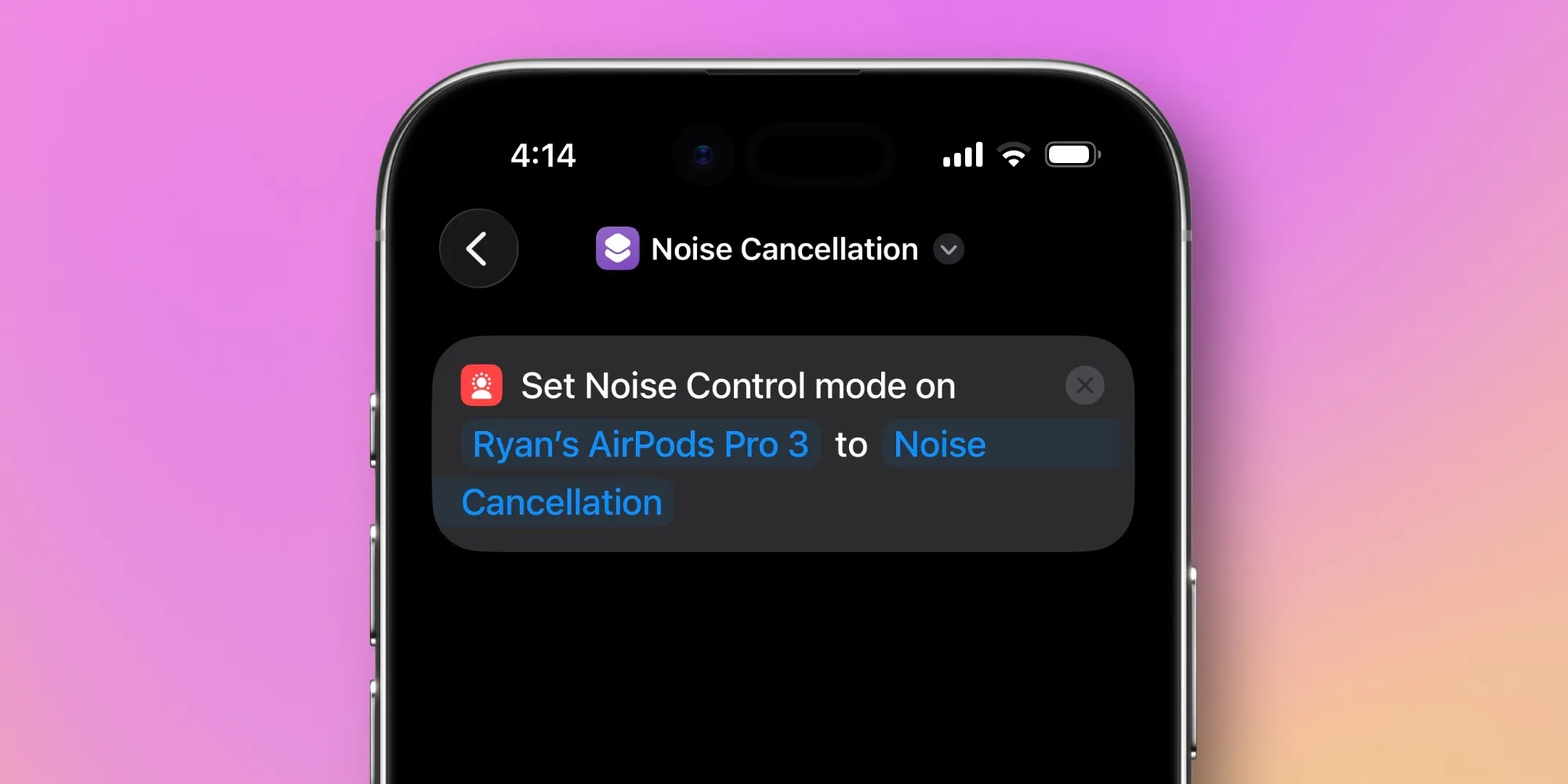
This shortcut focuses on enabling noise cancellation on AirPods Pro, compatible with any AirPods model equipped with Active Noise Cancellation (ANC).
The ‘Noise Cancellation’ shortcut promptly toggles the ANC feature on. Accessing it is straightforward via the Control Center.
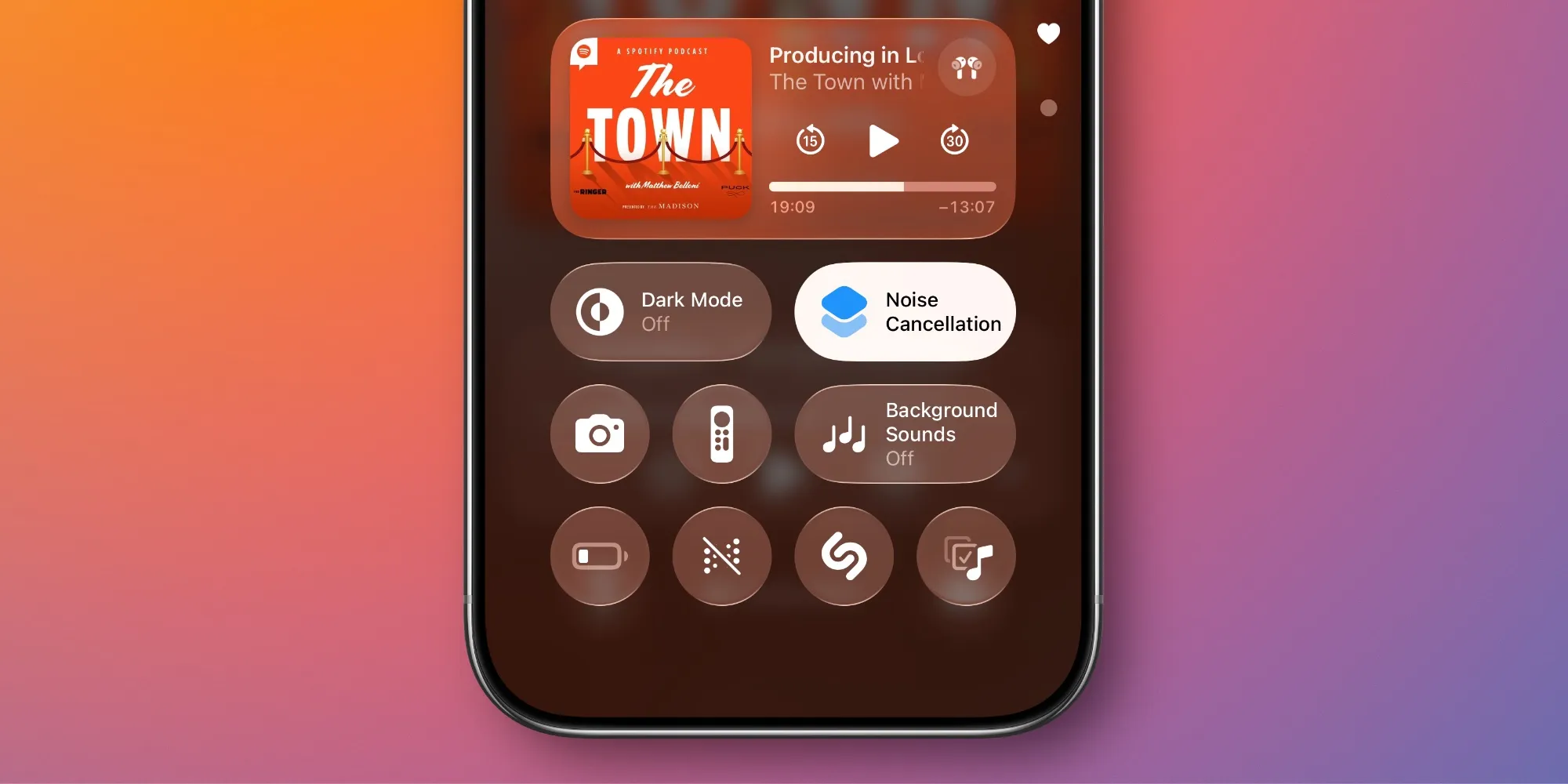
This custom shortcut reduces unnecessary steps: just tap to switch to ANC, simplifying usage during daily activities.
#2: Accessing App Settings Made Simple
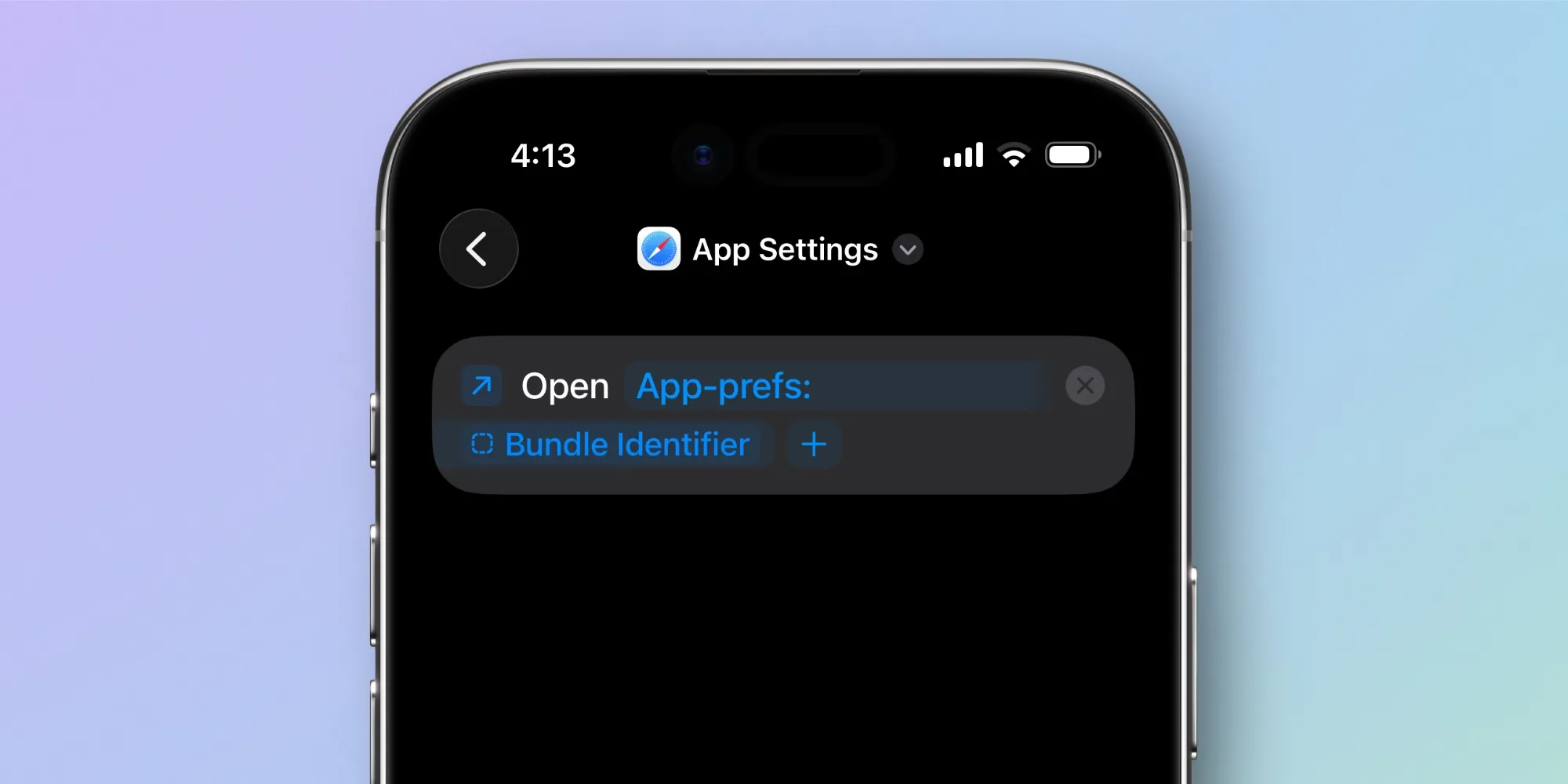
This shortcut allows you to access an app’s settings directly while using the app, enhancing convenience through Control Center.
- Download the ‘App Settings’ shortcut.
- Add the ‘Run Shortcut’ control to your Control Center.
- Link that control to your new shortcut.
This shortcut simplifies changing settings while remaining in the app, reducing hassle and improving efficiency.
Key Takeaways
- Quick access to AirPods Pro’s noise cancellation is a game-changer for daily commuting or busy environments.
- Single-step shortcuts can help streamline repetitive tasks, such as adjusting app settings without opening the Settings app.
- Customizing your Control Center can make accessing shortcuts more intuitive, saving time in the long run.
- Exploring new features in iOS can lead to discovering tools that enhance your workflow.
- Creating shortcuts allows you to tailor your device to better suit your individual needs and habits.