

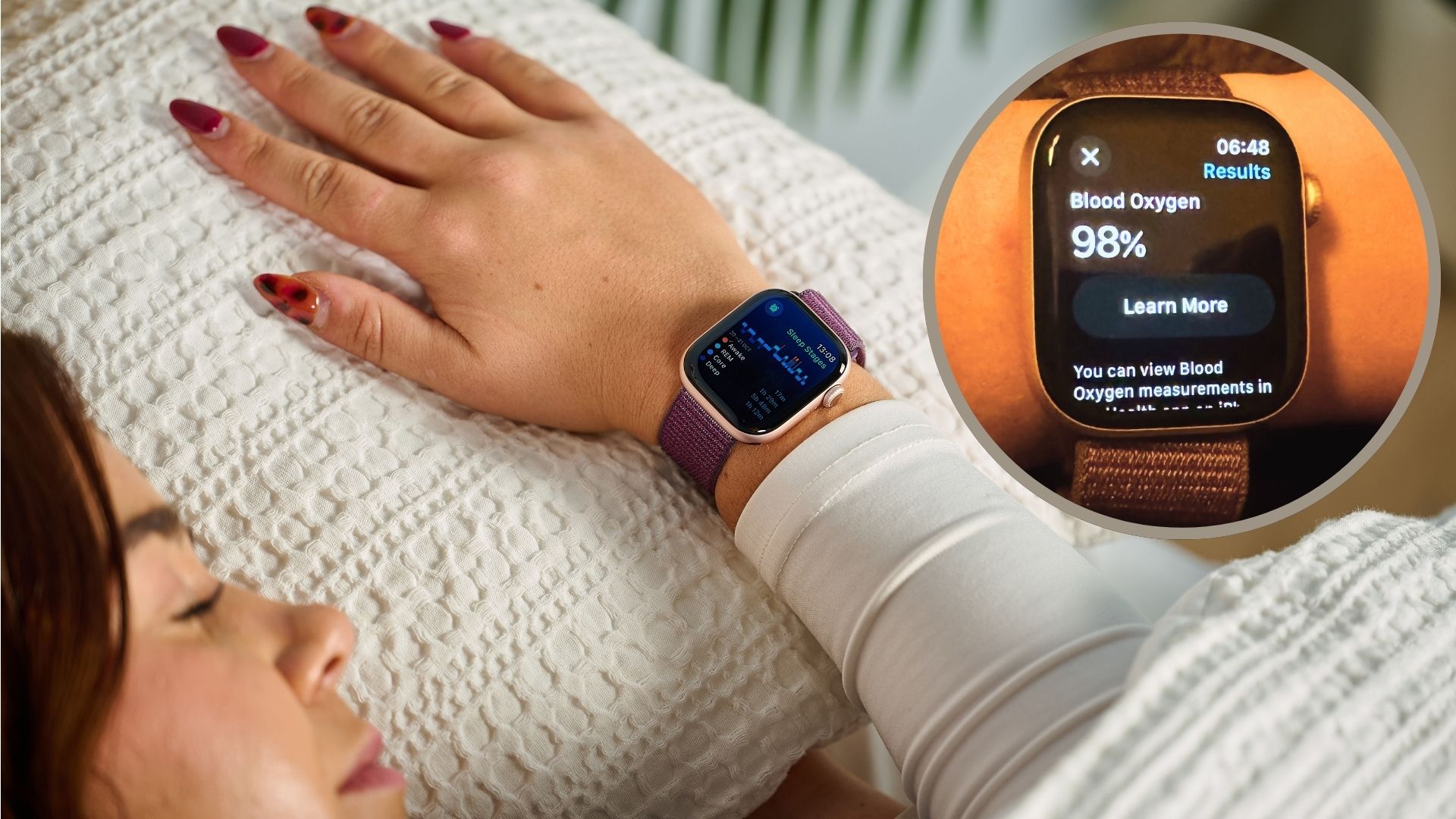
Unlocking Your Apple Watch for Enhanced Sleep Tracking
The Apple Watch has evolved into a multi-functional device, with sleep tracking as one of its standout features. Here’s how to maximize the accuracy of your sleep tracking experience using some lesser-known features.
Essential Settings for Improved Sleep Monitoring
To get the most accurate sleep data, consider adjusting these important settings.
1. Activate Sleep Tracking
Enable sleep tracking on your Apple Watch. This is a foundational step.
How to do it: Open your iPhone’s Watch app, navigate to the ‘My Watch’ tab, select ‘Sleep,’ and activate the option to “Track Sleep with Apple Watch.”
2. Ensure a Proper Fit
A snug fit is crucial for accurate data collection. Aim for a “two-finger fit” – tight enough to stay in place but not uncomfortable.
3. Enable Wrist Detection
Wrist Detection is essential for security and health features. To enable this, go to your Watch app, select ‘Passcode,’ and toggle on ‘Wrist Detection.’
4. Activate Blood Oxygen Monitoring
Turning on blood oxygen tracking can offer deeper insights into sleep quality.
How to enable: In the Watch app, navigate to ‘Blood Oxygen’ and turn on Blood Oxygen Measurements.
5. Set Charging Reminders
To ensure your watch is ready for sleep tracking, activate charging reminders in the Sleep section of the Watch app.
6. Monitor Temperature Variations
If you have an Apple Watch Series 8 or newer, you can use temperature sensors to track changes in wrist temperature, which relates to sleep quality.
Accessing this data: Find temperature readings in the Health app under ‘Body Measurements’ > ‘Wrist Temperature.’
Key Takeaways
- Activating Sleep Tracking: Ensure sleep tracking is enabled.
- Comfortable Fit: Make sure your watch fits snugly.
- Wrist Detection: Activate for optimal heart rate monitoring.
- Blood Oxygen Levels: Toggle on for deeper insights into sleep quality.
- Charging Reminders: Set reminders to keep your watch charged.
- Temperature Monitoring: Use this feature to analyze sleep patterns.
With these adjustments, you’ll maximize your Apple Watch’s sleep tracking capabilities and gain a clearer understanding of your sleeping habits and overall health.