

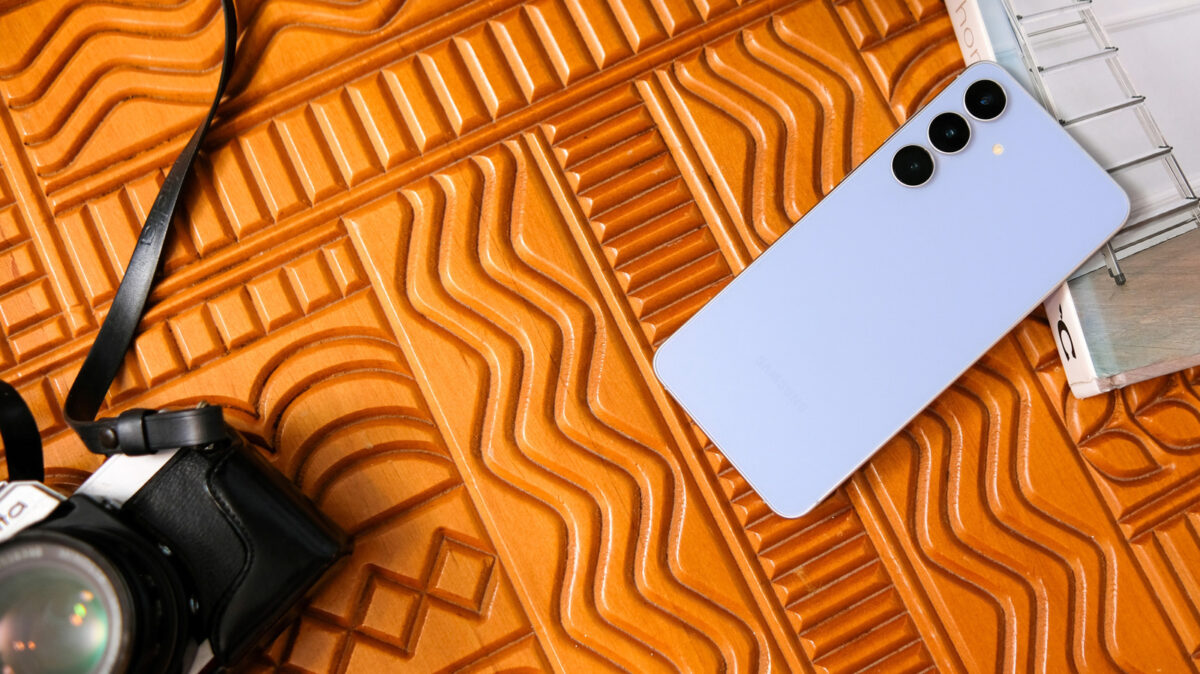
Samsung is enhancing the photography capabilities of its mobile devices with the expansion of its Camera Assistant app. It will now support a broader range of devices, including the budget-friendly Galaxy A and M series.
The Camera Assistant feature will soon be accessible on models such as the Galaxy A34, A35, A36, A37, A57, and the M34, M35, and M36. Tablets—including the Galaxy Tab S9 series—will also benefit from this update. Devices should be running One UI 8.5 to access the feature.
Samsung’s One UI stands out with its comprehensive set of features and personalization settings. The incorporation of AI and extensive options makes Samsung smartphones particularly user-friendly.
Another useful tool is the Good Lock app, which offers multiple modules to expand customization options.
Exploring the Capabilities of Camera Assistant on Samsung Devices
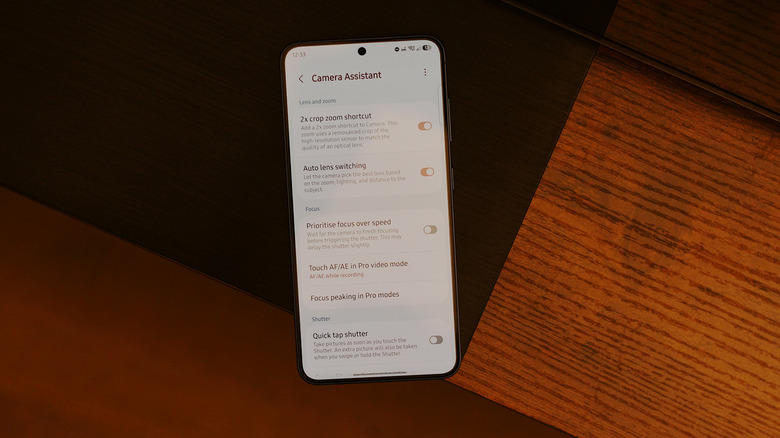
To use Camera Assistant, open the camera app, navigate to Settings, and find the Camera Assistant option. This feature unlocks a variety of customization settings to enhance your photo and video capture. You can stop auto lens switching, prioritize focus over speed, and use focus peaking for clearer composition.
Customization options extend to shutter button functions, allowing seamless switching to video mode. Additional features include HDR10+ support, audio monitoring, and options to disable optical image stabilization for dynamic shots. The usability may depend on specific device models and camera specifications.