

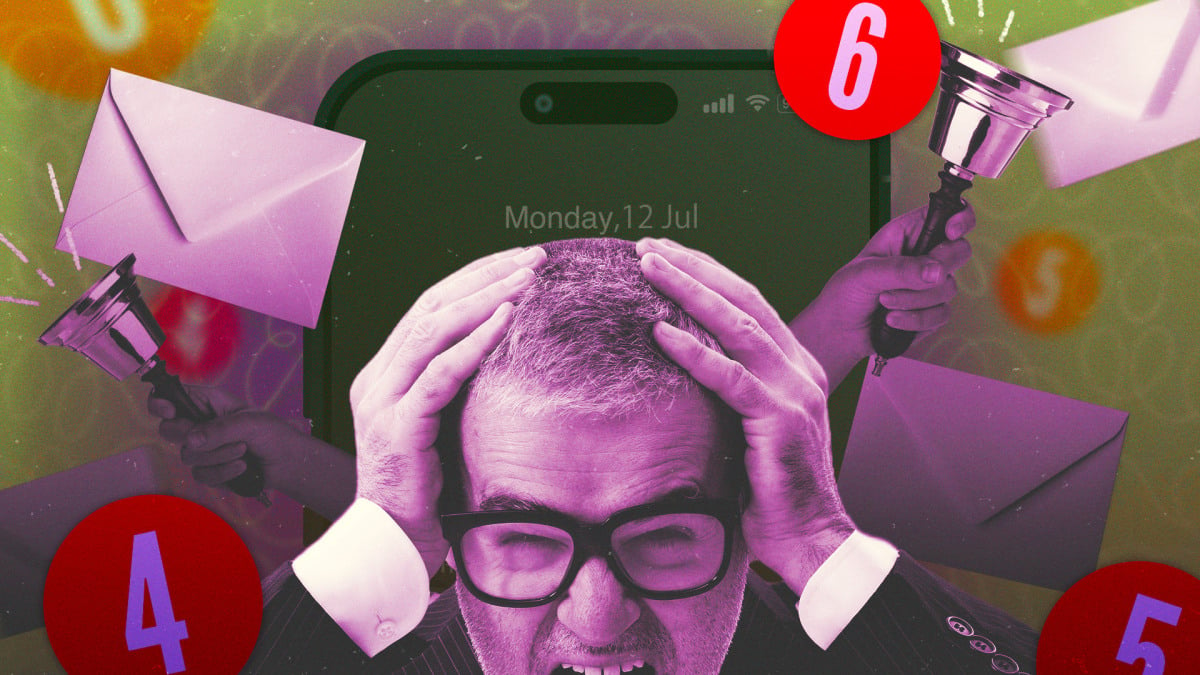
Recently, I brushed aside a notification from Facebook Messenger. It wasn’t pressing, so I planned to reply later. Ten minutes later, another notification popped up, reminding me of a friend’s message. It felt a bit needy, even for Facebook. Unfortunately, this is not an isolated case; many apps seem to be vying for our constant involvement.
In the span of just a few weeks, I’ve received an avalanche of what I dub desperation notifications. These push alerts often come from apps that really don’t require my attention but desperately seek it. For instance:
- The Disney+ app informs me that because I watched The Simpsons, I might like The Simpsons Movie—which, ironically, I also just viewed.
- Discord updates me about a status change in a server I’m part of.
- Venmo kindly reminds me about funding my Kalshi account, despite my lack of interest.
- Reddit sends alerts on news stories from communities I’ve never subscribed to.
- A dating app kept sending me notifications saying, “She just likes you,” which felt oddly frantic.
- GrubHub nudged me with an order suggestion just five minutes after I’d already placed one.
Some alerts are undoubtedly marketing tactics masquerading as notifications, while many others urge me to engage with them.
Are app notifications becoming more invasive?
While measuring annoyance is subjective, evidence suggests companies are intensifying their efforts to grab your attention. A 2025 study reveals that news outlets increasingly rely on push notifications over larger platforms like Google or social media.
This push for direct engagement often backfires—79% of respondents claimed they don’t receive any news alerts, and 43% consciously turned off notifications.
Though this analysis focuses on one segment of notifications, it highlights a larger trend: we are in an attention economy where various industries compete for your focus. Your notifications are at the heart of this battle. A seemingly harmless prompt can lead you away from your planned activities.
Strategies for Regaining Control Over Notifications
Fortunately, amidst this chaotic notification landscape, numerous tools and settings can help you regain control:
Utilize Your Phone’s Built-In Notification Settings
Both major smartphone operating systems offer options for controlling notifications. Android users can hold down a notification to modify or silence alerts, while iOS users can swipe on a notification for quick mute options.
Examine Individual App Notification Settings
Most apps contain their own notification settings worth adjusting. Navigating these menus can be tedious, especially since some apps are less transparent about settings.
Consider Using Third-Party Notification Tools
While it may seem counterintuitive, sometimes it’s necessary to install applications to manage notifications. For example, BuzzKill is a user-friendly application for Android that provides extensive notification filtering options.
Actively voicing your frustrations regarding ongoing notifications can provide valuable feedback to developers. Sending constructive feedback can signal that changes are needed.