

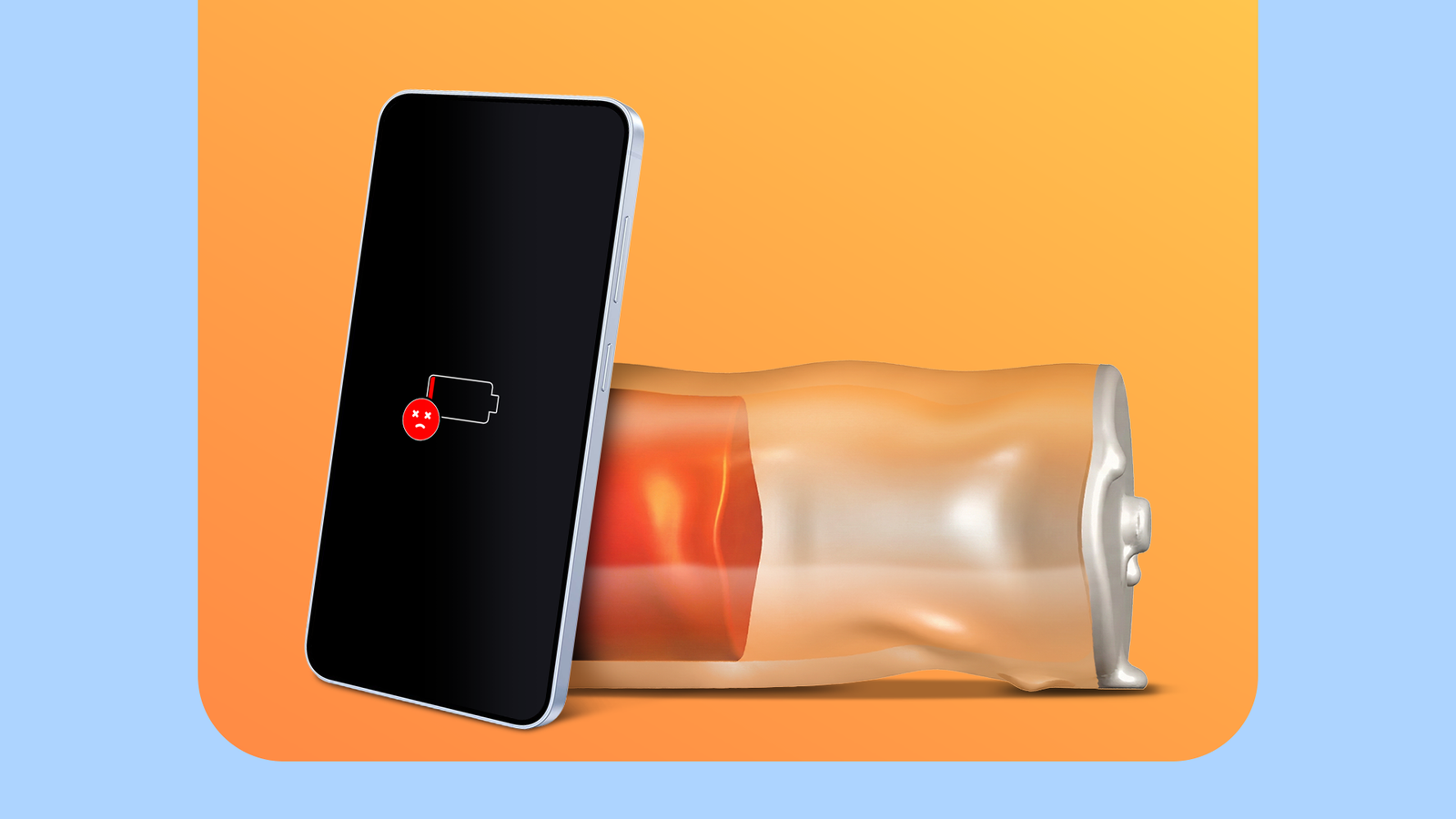
Have you noticed your phone’s battery draining more quickly than it should? Understanding how to extend your battery life is crucial for daily use and the longevity of your device. Here are some subtle yet significant factors that could be speeding up your battery depletion. By adjusting a few habits, you can improve your phone’s overall battery health.
Avoid Extreme Weather Conditions
Extreme temperatures—be it scorching heat or frigid cold—can negatively affect your phone’s battery, leading to rapid depletion and potential permanent damage. To protect your device, consider using high-quality protective cases and storing it in insulated pockets to shield it from the elements. Your device generally thrives in temperatures from 0° to 35°C. If your phone warns you about its temperature, it’s likely operating outside this range.

Stick With Your Original Charger
Using the charger that came with your phone is essential for maintaining battery health. This ensures your device charges correctly and avoids any potential issues from incorrect voltage or wattage. If you’ve lost your original charger, invest in a genuine replacement from your manufacturer or consult a trusted service provider for a compatible option.
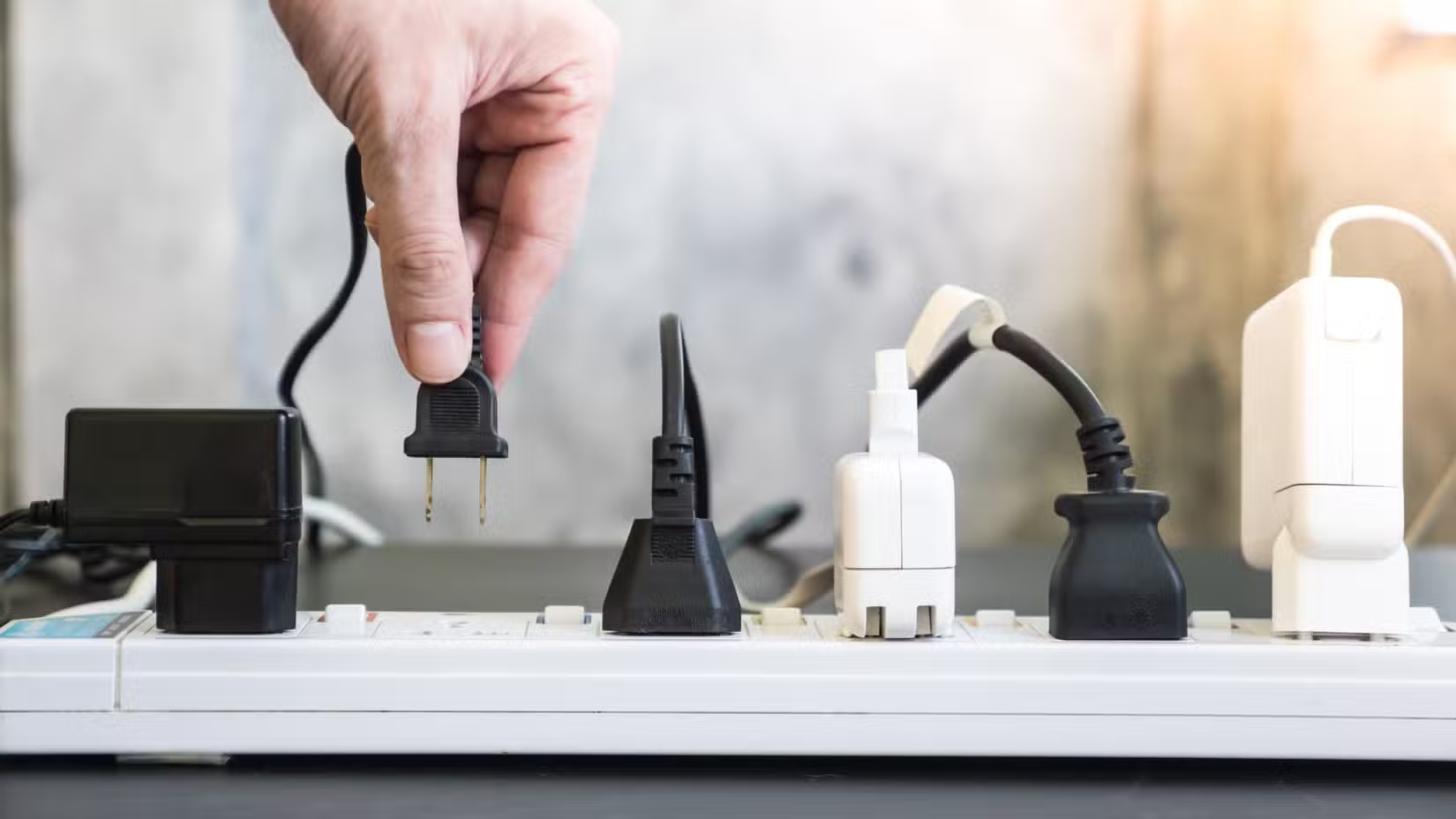
Turn Off Unused Services
If you use a VPN on your phone, disconnect it when not in use. It drains the battery as it maintains a constant connection to a secure server. After turning off my VPN when unnecessary, I noticed a marked improvement in my battery life.

Keep Tabs on App Battery Usage
Regularly reviewing battery consumption by apps can offer insights into what’s draining your battery. On iPhones, navigate to Settings > Battery > Daily Usage. For Android users, go to Settings > Battery > Battery Usage. Connectivity issues and constant GPS usage by certain apps can exacerbate battery drain, so disabling unnecessary background activity can help extend battery life.
Practice Smart Charging Habits
A practical approach to battery maintenance is to keep your device charged between 20% to 80%. Draining the battery to critically low levels frequently is detrimental. Activating Low Power Mode can temporarily improve battery life, but consistent use below 20% isn’t advisable. Actively managing your phone’s battery life can prevent premature draining.
Key Takeaways
- Keep your device safe from extreme weather conditions to prolong battery health.
- Use the original charger to maintain optimal charging and battery longevity.
- Regularly disconnect VPN services when not needed to save battery.
- Monitor which apps consume the most battery and adjust usage accordingly.
- Establish a habit of charging within the 20% to 80% range for better battery performance.