

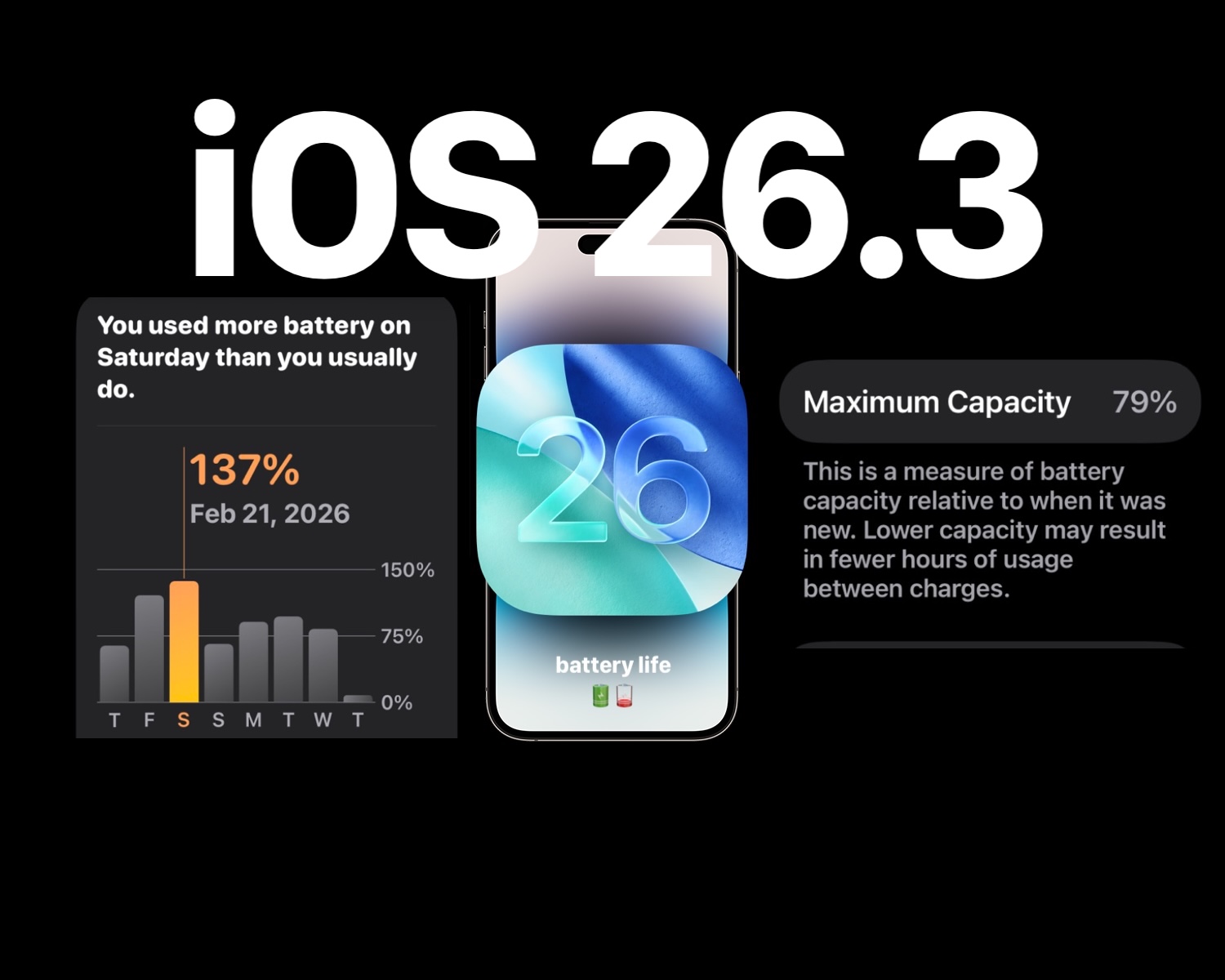
After the release of iOS 26.3, many iPhone users have reported concerns regarding diminished battery life. Numerous users claim their devices drain power more rapidly than expected. This raises the question: Is the iOS 26.3 update genuinely at fault for these battery troubles, or could other factors be in play?
Assessing the Impact of iOS 26.3 on Battery Life
A segment of users feels their battery performance has declined since adopting iOS 26.3, with reports circulating widely on support forums and social media. However, there’s no definitive evidence indicating that iOS 26.3 has universally caused battery life issues across all devices.
The recent update addressed bug fixes and security enhancements, and some users even report improved battery performance. These experiences suggest that any battery drain concerns may be more individualized rather than a widespread software flaw.
Understanding Potential Causes for Increased Battery Use After iOS 26.3
A common reason for heightened battery consumption post-update is the activation of many behind-the-scenes tasks, such as indexing files or optimizing photos. Additionally, user behavior can change after installing a new operating system, leading to increased app usage and battery consumption. Monitoring battery consumption can help identify causes.
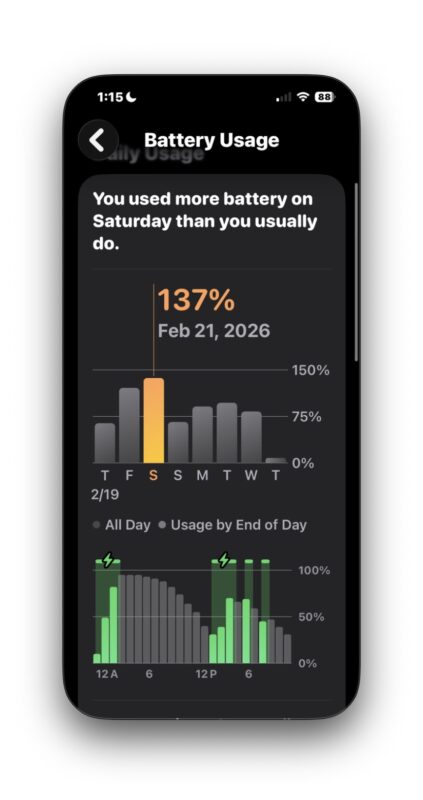
Strategies for Addressing Battery Life Concerns with iOS 26.3
First, charge your device overnight while connected to Wi-Fi and allow background processes to complete. Ensure all system and app updates are installed to avoid compatibility issues that could contribute to battery drain.
What Does It Mean if Your Battery Health Status Says “Service”?
Some users have noticed their Battery Health status change to “Service,” which may be concerning. This recommendation often reflects normal wear and tear, not necessarily a direct result of the new iOS version. Battery capacity diminishes over time, and if it drops below 80%, a replacement may be necessary. A battery replacement can significantly enhance device performance.
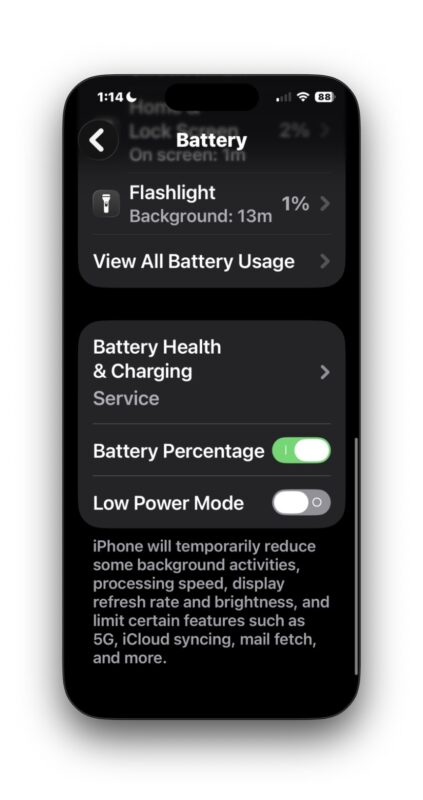
Bonus Tip: Activating Low Power Mode can be an effective way to extend battery life. This setting is found in Settings > Battery.
Key Takeaways
- Reports of battery issues post-iOS 26.3 are common, but experiences differ among users.
- Temporary battery drain may be caused by background processes after updates.
- Increased device use following updates can contribute to faster battery depletion.
- Updating apps and the system can help address compatibility and performance issues.
- If the battery health reads “Service,” it may be time for a replacement, especially for older devices.
- Utilizing Low Power Mode can significantly assist in prolonging battery life when needed.