

The Game-Changing Live Caption Feature in Android 16 for Public Transport Users
Public transport can be a mixed bag, offering convenience and connectivity, yet often accompanied by the unwelcome sounds of our fellow passengers. Many experience frustration when sharing a cramped bus or subway with someone who is oblivious to the volume of their phone. This distraction can disrupt everyone’s experience, particularly on busy commutes.
Fortunately, Android 16 introduces a revolutionary feature: Live Caption, designed for the modern commuter.
What is Live Caption?
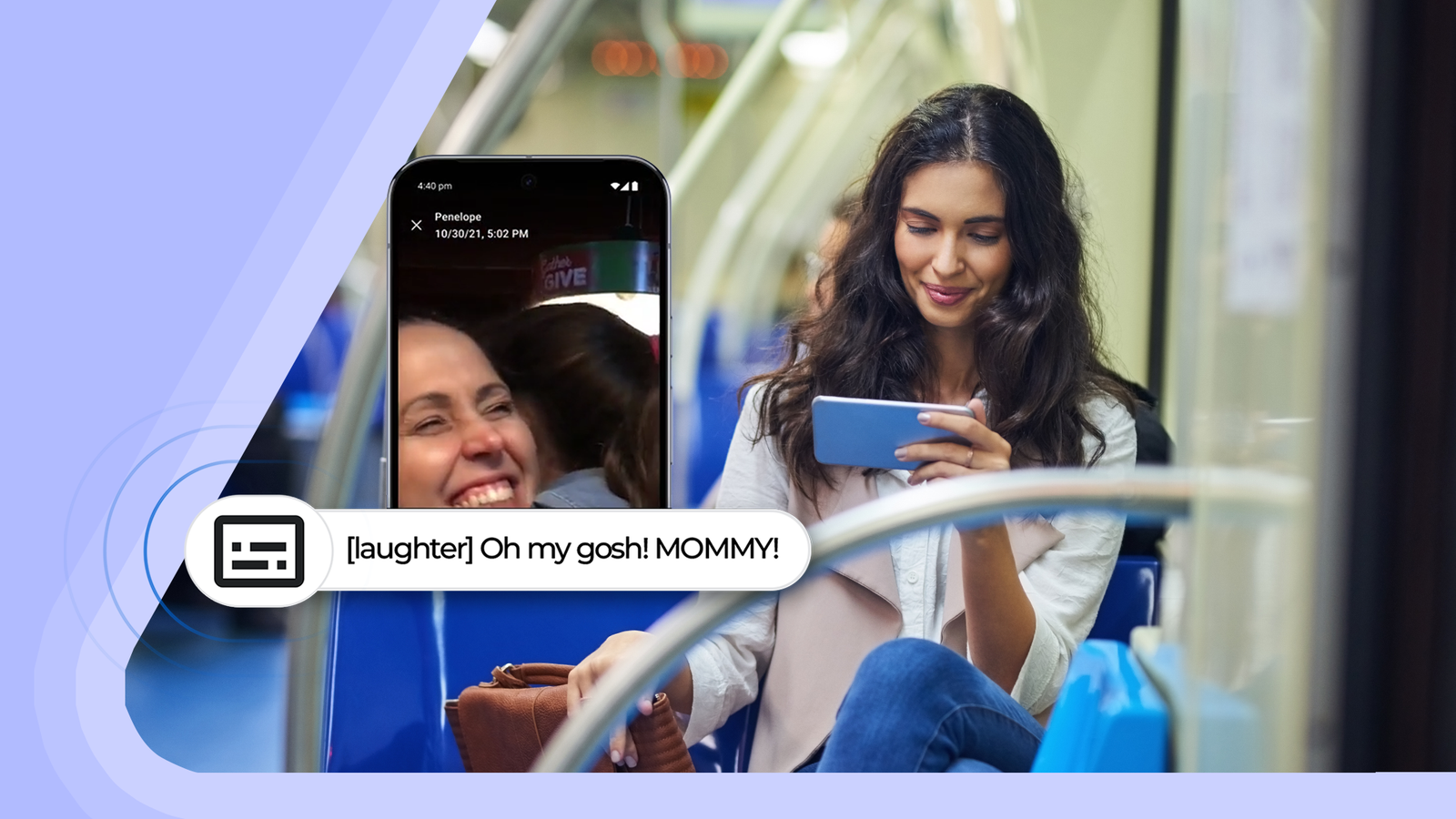
First released in 2019, Live Caption has expanded its capabilities over the years. This innovative tool automatically generates captions for spoken content across your device, be it podcasts, phone calls, or videos. Recent enhancements allow captions to express tone and respond to ambient sounds, providing a richer experience without disturbing others.
Why It Matters for Public Transit
Imagine riding the subway and finding yourself unable to hear your audio without cranking up the volume. Here’s where Live Caption shines. Even if headphones are broken or forgotten, audio-visual content can still be enjoyed discreetly. Most streaming apps have native captioning options; however, Live Caption works universally across all platforms.
This benefits not only individuals but also fellow commuters, making public transport a more pleasant place by reducing unwanted noise.
Setting Up Live Caption
Getting started with Live Caption is simple. Just follow these steps:
- Press the Volume Button.
- Tap the Caption Icon. This will toggle Live Caption on or off.
Alternatively, access it through Settings > Accessibility > Live Caption to adjust additional features as needed.
Exploring Expressive Captions
Live Caption includes an Expressive Caption feature that uncovers emotions and non-speech sounds, providing context beyond words. Users can adjust settings like:
- Styles: Modify caption appearance, including capital letters for shouting.
- Sound Labels: Identify sounds such as applause or laughter.
- Emotion Tags: Highlight emotional tones in speech.
This ensures that nuanced expressions during conversations or clips are understood, even without audio.
Customizing Your Caption Box
Live Caption can be personalized. Text size, color, and more can be modified to ensure readability, catering to specific visual preferences.
Personal Reflections on the Tool
Live Caption has proven effective with some features, like sound labels, working seamlessly, while others, such as emotion detection, could improve, especially with diverse accents. The standard functionality stands out, and its added features, while interesting, may not be essential. Nevertheless, it provides reassurance for moments without headphones.
Embrace the Change on the Subway
In a world where irritating phone sounds disrupt public commuting, Live Caption offers a way to keep the peace. If you find yourself on a bus or train without your usual audio setup, this feature helps prevent becoming a source of annoyance for others.
Key Takeaways
- User-Friendly: Setting up Live Caption is straightforward and can be done quickly through the volume button or settings.
- Universal Application: Unlike app-specific options, Live Caption works across all media, offering flexible solutions for various scenarios.
- Customization Options: Personalizing caption features allows users to tailor the experience, especially for those with visual impairments.
- Social Responsibility: Using Live Caption promotes a considerate atmosphere in public spaces, minimizing noise pollution.
- Trial and Adaptation: Feedback on features like emotion tagging highlights the need for continual improvements to enhance user experience.
Thoughtful use of technology can pave the way for a more enjoyable community experience in shared spaces.