

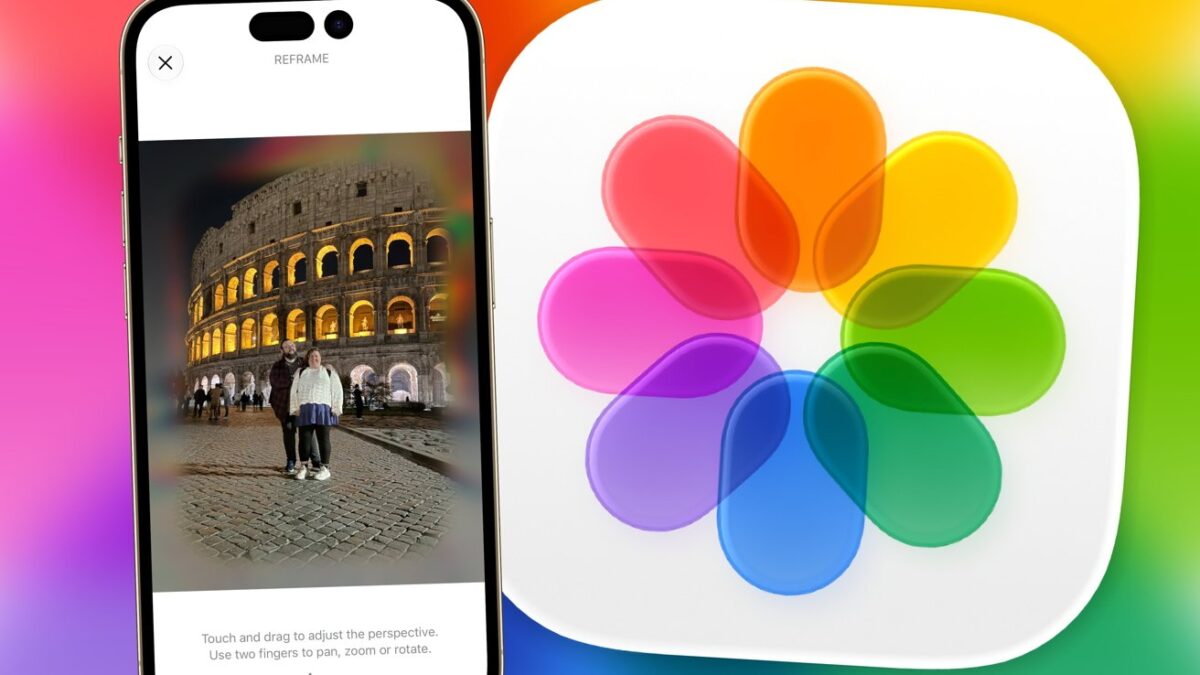
Apple’s latest photography innovation, Spatial Reframing in iOS 27, offers an intriguing glimpse into the future of mobile imaging, but it may require a bit of patience for optimal results.
During its WWDC 2025 presentation, Apple showcased a feature called Spatial Photos, enabling users to transform standard images into immersive 3D scenes for dynamic exploration.
While this was a creative endeavor, it didn’t significantly enhance functionality for most photographers. Still, it previewed how Spatial Photos might be improved on future devices, like the Apple Vision Pro.
Now, Apple is working to elevate this feature for everyday users with its new Spatial Reframing tool, which aims to make image adjustments easier and more intuitive.
Refining Your Images
A common frustration in photography is realizing that a shot isn’t framed as envisioned. Often, the background could be misaligned or distracting.
Traditional editing methods typically involve painstaking tasks such as cropping and repositioning elements. While skilled editors can create seamless edits, the average user may lack the time or experience for such detailed adjustments.
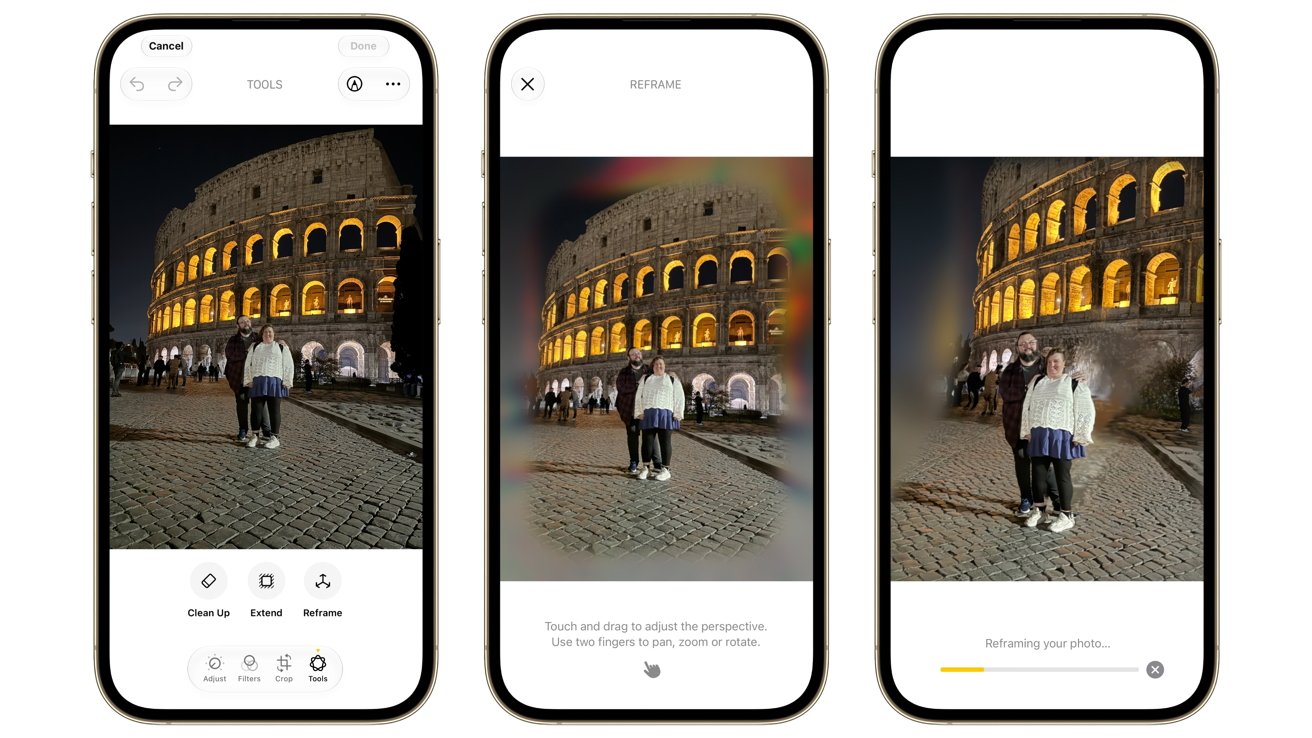
Refining an image in iOS 27
Spatial Reframing combines elements of the earlier Spatial Photos feature with advanced AI technology. Users can select an image and let their iPhone analyze the shot, allowing them to shift their perspective with gestures.
While the concept promises a hassle-free experience, the outcome can vary depending on the complexity of the image being altered.
Background Processing
Users can engage the Reframe feature directly in the Photos app. Once activated, a lively filter envelops the screen as the software scans the photo.
Following the analysis, users can manipulate the image by dragging or zooming in and out.
This functionality enhances the initial Spatial Photos effect, allowing for more dramatic shifts to elucidate portions of the background that weren’t initially in view.

A successful reframe of a kitten’s portrait.
The software generates a temporary background that may appear somewhat blurry for immediate feedback rather than final product quality.
Once users finalize their adjustments, tapping the Reframe button processes the image in mere seconds.
Tests showed varied results; a close-up portrait was adjusted effectively with minor artifacts, while a wider shot posed challenges, indicating some limitations in the current technology.
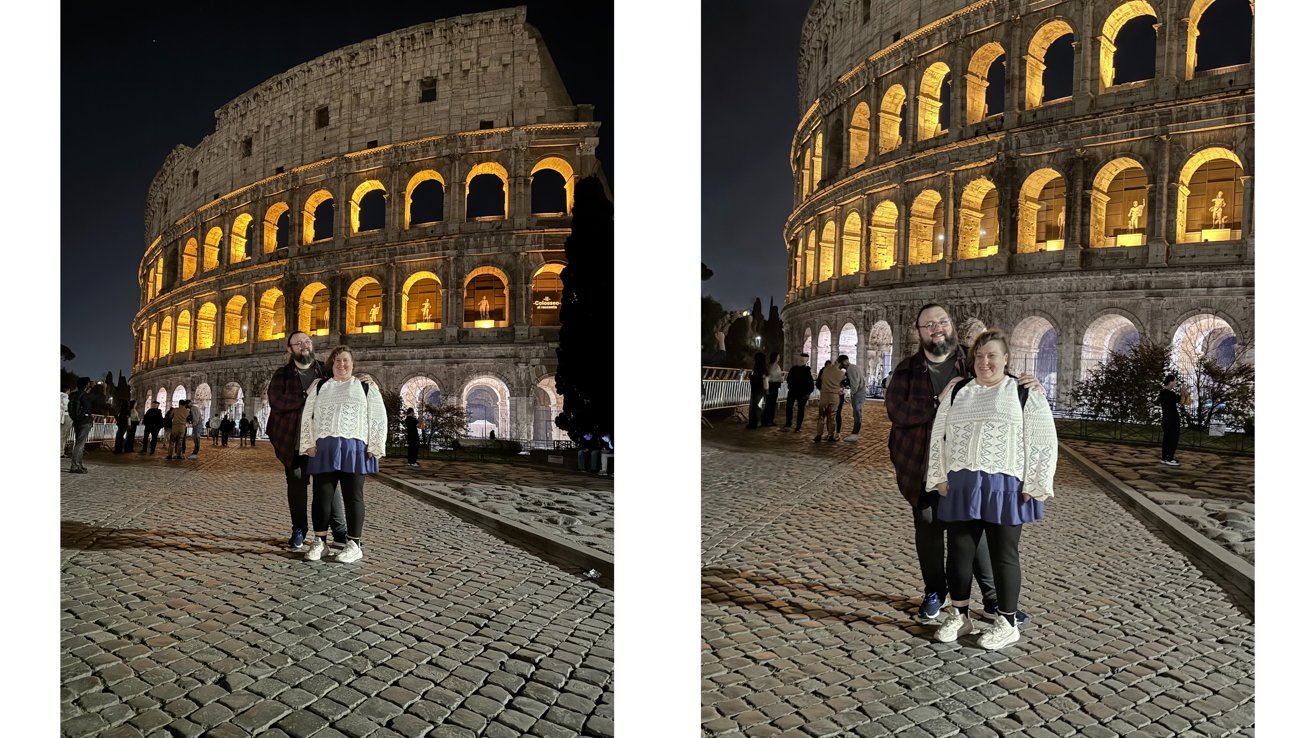
Side-by-side comparisons of a reframed tourist shot.
The background approximation showed commendable performance in filling gaps, while subject distortions reflected the tool’s early development stage.
Buyer Beware
Spatial Reframing holds promise, leveraging advanced technology to rearrange components responsively to user input. While this marks a notable milestone for mobile editing, it’s still in its infancy.

Original vs. transformed faces during reframing.
As this feature is still in developer beta, some hiccups are to be expected. Nonetheless, it showcases an opportunity for improvement.
In its current state, Spatial Reframing serves as a playful tool for enhancing casual photography, providing a practical means for everyday users to enhance their imagery.