

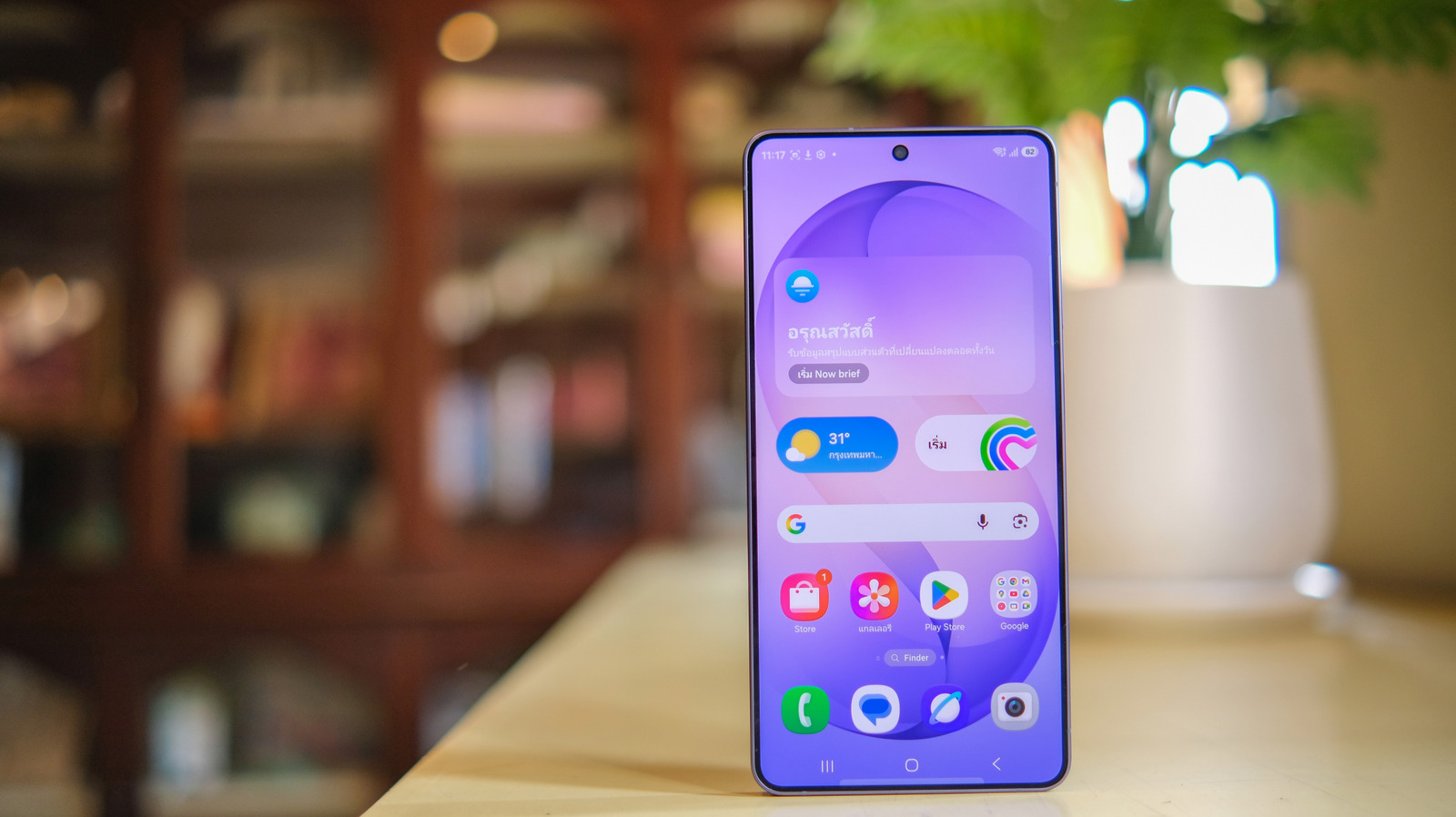
The Samsung Galaxy S26 Ultra offers impressive features and high performance but comes loaded with pre-installed applications, often referred to as bloatware. Users might find as much as 40GB of these apps taking up storage space. Removing unnecessary apps can optimize the phone’s performance, free up storage, and enhance privacy control.
If you’re preparing to enjoy your new Galaxy S26 Ultra, it’s worth evaluating the pre-installed apps. To assist in this, we’ve identified several applications that users may want to uninstall along with the reasons for doing so.
Samsung Shop
Samsung Shop encourages users to purchase more Samsung products through tailored recommendations and promotional notifications. Uninstalling this app can free up storage and reduce push notifications.
Facebook is included on many new smartphones despite its declining popularity. Reasons to remove it include limiting screen time and privacy concerns regarding data access. Uninstalling Facebook is straightforward through the app icon or settings.
Samsung TV Plus
Samsung TV Plus offers access to some TV shows and movies, but its content is limited for mobile viewing. Users may prefer to uninstall this app to make room for preferred content.
Handling Non-Uninstallable Apps
Many built-in applications cannot be uninstalled, such as Microsoft OneDrive. These apps can often be disabled to conserve resources. For advanced users, the Android Debug Bridge (ADB) may be an option for complete removal.