

Transitioning to Open Source Apps: A Personal Journey
The appeal of a Google Pixel phone is undeniable—its user interface stands out for its clarity and suitability. Unlike cluttered alternatives, Google’s design philosophy revolves around a streamlined launcher that enhances the user experience.
While Pixel devices offer superior integration of Google’s applications, my satisfaction began to wane. Google’s growing reliance on AI, particularly through features like Gemini, felt overwhelming. In an effort to explore alternatives, I discovered the Fossify suite—a collection of open-source apps aimed at replacing Google’s core offerings.
The Fossify suite’s simplicity and effectiveness surprised me. While not every app excels, I found a range of alternatives that provide essential functionalities without unnecessary excess.
Fossify Delivers a Focused User Experience
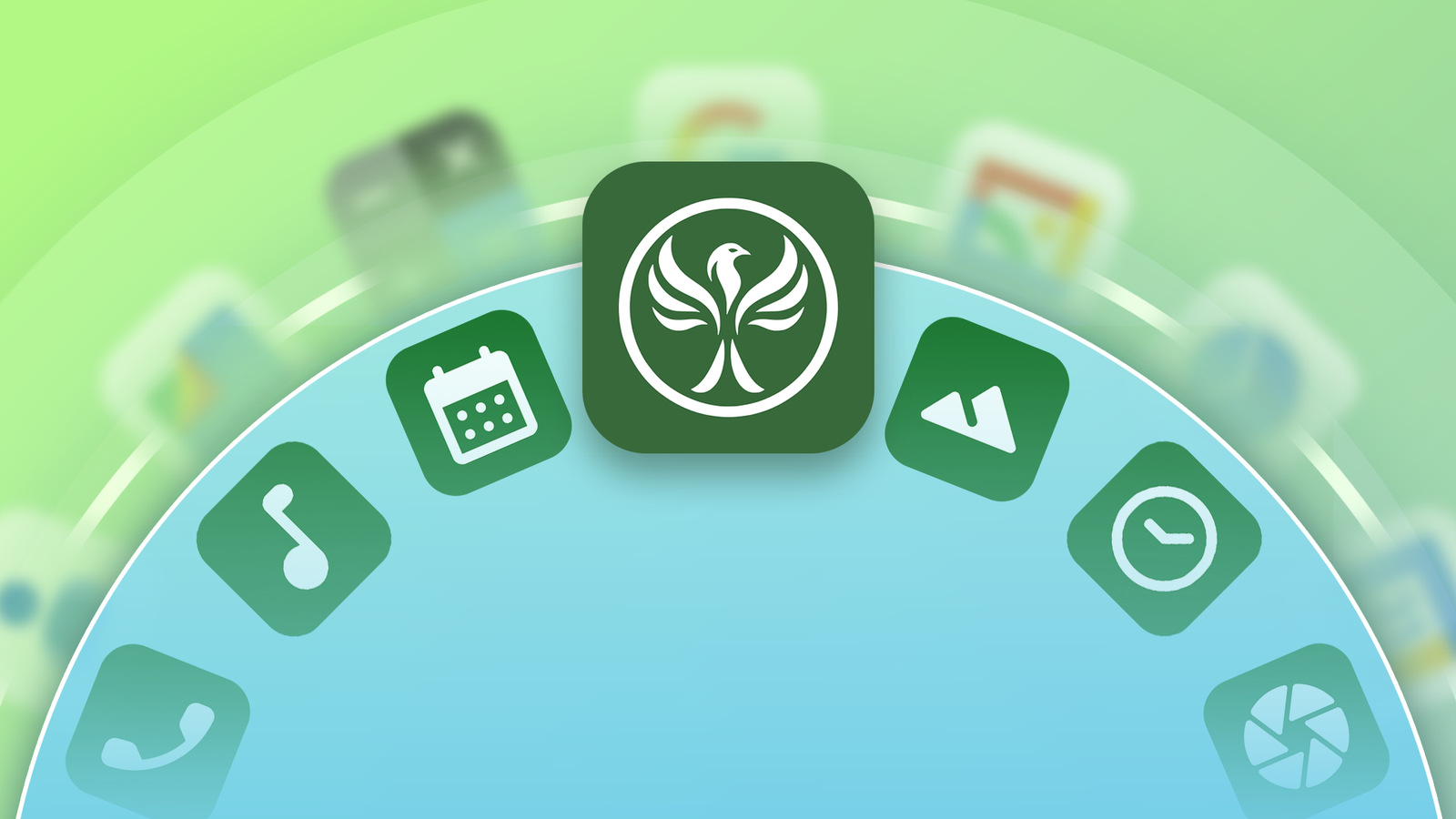
Launched in early 2024, the Fossify app suite has rapidly expanded, featuring several fully-released applications alongside beta versions. Each app serves essential functions like messaging, file management, and calendar scheduling while maintaining a clean interface inspired by Google’s Material You.
| Fully Released | Beta |
|---|---|
| Gallery | Voice Recorder |
| File Manager | Notes |
| Messages | Clock |
| Phone | Calculator |
| Contacts | Keyboard |
| Calendar | Camera |
| Music Player | Launcher |
| Paint |
These applications are derived from Simple Apps’ library, aiming to create functional open-source options. Fossify enhances this legacy with better user interface design and features, offering an experience free of distraction and bloat.
Benefits Beyond the UI
The security and privacy features of Fossify’s apps are compelling. With no advertisements or tracking, and availability without an internet connection, these apps provide a secure user experience. Users can protect sensitive data—like messages or images—using PINs or biometric locks.
A Mixed Bag of Features and Dependencies
Switching from Google to Fossify yielded mixed results. While several apps smoothly replaced Google counterparts, some fell short on important features. For instance, Fossify Gallery lacked backup functionality, and Voice Recorder didn’t offer essential transcription services.
Additionally, some crucial everyday apps—like an email client, weather tracker, or map service—aren’t available in the Fossify lineup. While alternatives exist, they often sacrifice Fossify’s clean design and usability.
The Value of Uncluttered Alternatives
Sifting through these open-source applications, I recognized that Fossify’s offerings illuminate the unnecessary bloat prevalent in Google’s ecosystem. I appreciate the design innovation from Google apps but also find value in the simplicity that alternatives like Fossify provide.
While there remain shortcomings regarding syncing and online functionalities, Fossify’s dedication to an offline-first approach is commendable.
If you’re considering stepping away from Google’s suite, I suggest trying Fossify’s app collection.
Key Takeaways
- App Ecosystem: The Fossify suite provides a range of essential applications that aim to replace pre-installed services.
- User Interface: The design, inspired by Material You, emphasizes simplicity rather than excess features.
- Privacy Assurance: All apps prioritize user privacy with no ads or tracking, appealing to those conscious of data security.
- Functionality Needs: While some applications thrive, others may lack crucial features, requiring users to seek alternatives.
- Evaluate Personal Value: Transitioning to open-source could enhance your experience, but it’s essential to assess which features matter most to you.