

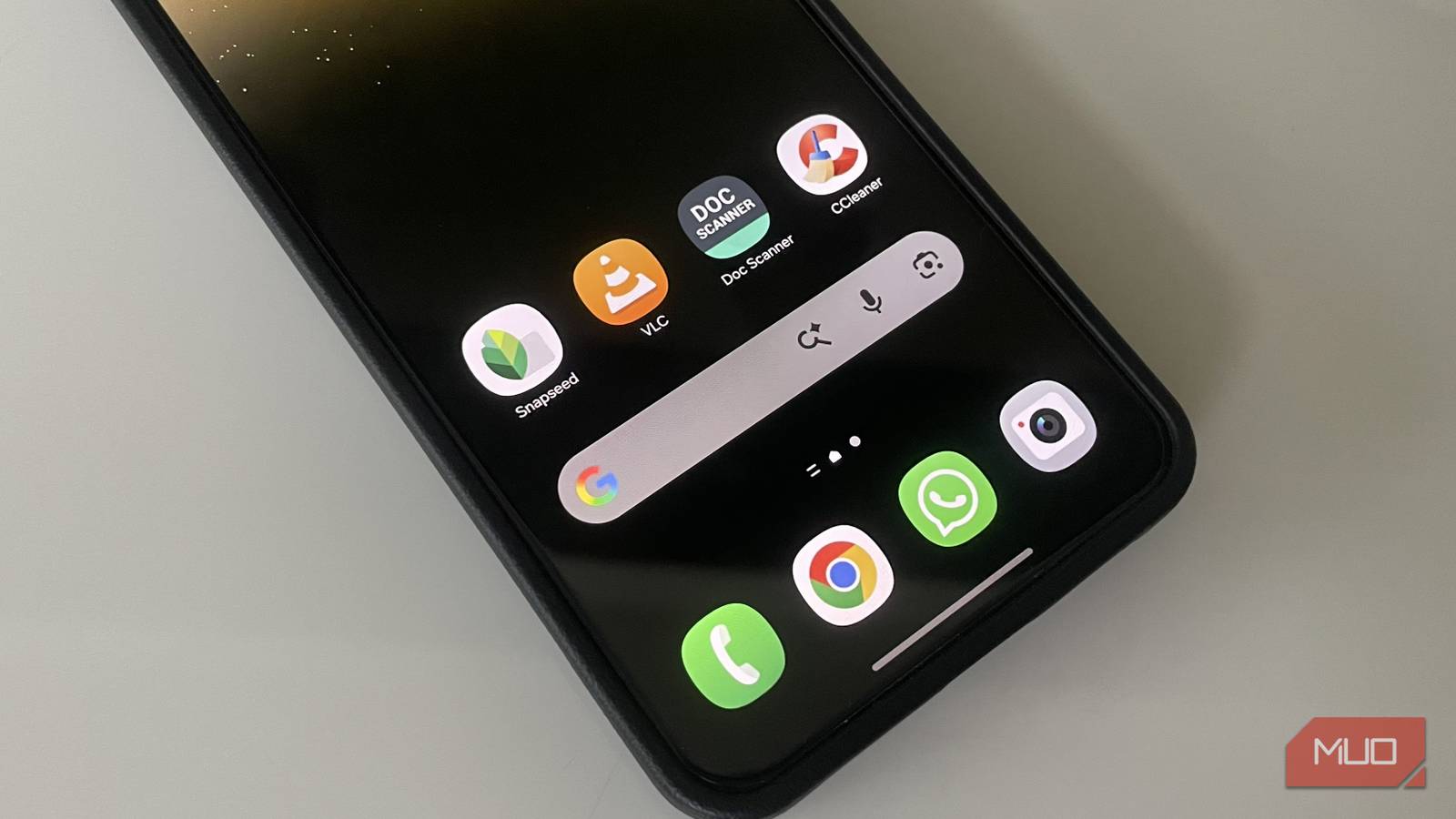
In the past, when setting up a new Android device, users often felt compelled to immediately download a collection of essential apps. While the native tools provided a good starting point, they lacked the functionality and features offered by third-party alternatives. Users typically encountered limitations in photo editing, video playback, and document scanning, necessitating the installation of additional applications.
Fast forward to today, and Android has significantly evolved. The native applications have undergone robust enhancements, rendering many once-vital third-party apps largely unnecessary.
Built-in Photo Editing Tools
Explore What’s Already Available
Previously, users felt a strong need to download third-party photo editors. The built-in options within apps like Google Photos and the device’s Gallery were rudimentary, allowing only basic adjustments like cropping and rotation.
However, launching Google Photos today reveals a comprehensive suite of editing tools. Users can manipulate backgrounds, add text, and make nuanced adjustments to color and lighting—all without third-party software. Advanced features, such as AI-driven object removal and background replacement, are now included as standard.
For those on Samsung devices, the Samsung Gallery offers equally impressive editing capabilities at no extra cost, eliminating worries about subscriptions or intrusive ads.
Video Playback Alternatives
Comprehensive Solutions Built-In
Once, video playback apps like MX Player or VLC were essential due to limitations within Android’s stock player, which struggled with various formats and lacked sophisticated controls. Now, most common video formats are natively supported by Android, making it easier than ever to enjoy videos across a range of file types, including MP4 and MKV.
Furthermore, dedicated streaming services like YouTube, Netflix, and Amazon Prime deliver their optimized viewing experiences, effectively diminishing the need for a standalone video player app.
Document and QR Code Scanning
Native Functionality Suffices
With QR codes common in everyday life, the need for dedicated scanning apps has diminished. Most modern Android cameras can easily scan QR codes directly. Users simply point the camera at the code, provided the QR scanning feature is enabled in their settings.
Samsung devices even extend this scanning capability to documents, recognizing paper edges and capturing them efficiently. Google Drive also includes an intuitive scan feature, allowing users to capture and enhance documents with filters and editing tools—all without the need for additional apps.
The Myth of Cleaner Apps
Trust the System
Once ubiquitous, “cleaner” and “booster” apps assured users they could free up RAM and enhance performance. However, Android’s performance management has improved dramatically, with efficient memory handling ensuring smooth operation even with numerous apps open.
Moreover, many of these third-party apps make dubious claims and often require excessive permissions. Some operate in the background, consuming valuable system resources.
The built-in Files app allows users to easily clean up unnecessary files, further diminishing the necessity for these external solutions. Just navigate to the Clean tab for quick and effective storage management.
In summary, many features once reliant on third-party applications are now seamlessly integrated into Android. This evolution does not negate the value of all third-party apps, but for daily users, the essentials are increasingly covered by pre-installed offerings.
Key Takeaways
- Explore your device’s built-in capabilities for editing photos and videos.
- Utilize native scanning features instead of downloading additional apps.
- Trust Android’s performance optimization rather than relying on cleaner apps.
- Familiarize yourself with the Files app for efficient storage management.
- Consider your app needs carefully—less can often be more for everyday tasks.