

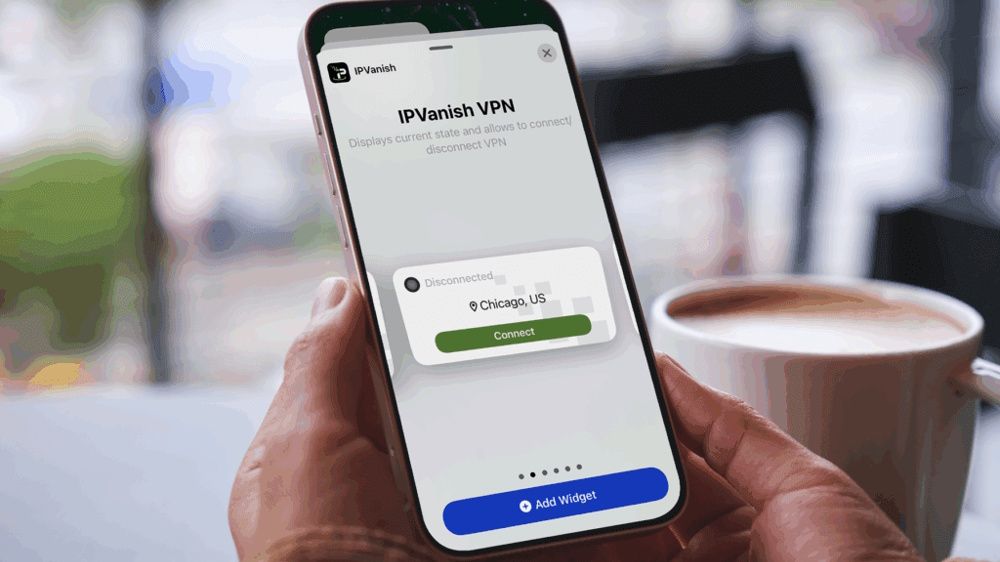
In the ever-evolving landscape of digital security, finding a trustworthy VPN service can be challenging. Research indicates that a significant portion of Android-based VPNs fail to meet basic transparency standards. However, IPVanish has established itself as a notable contender in this field, earning praise for its commitment to user privacy and security.
Based in the U.S., IPVanish has gained recognition for its strict ‘zero logs’ policy, which has been validated on multiple occasions. The company has also taken proactive measures to safeguard user data by withdrawing its server presence from countries with inadequate privacy protections.
With IPVanish, users can enjoy robust VPN protection across multiple devices. This is particularly beneficial for those using iOS and Android devices, which are frequently exposed to unsecured public Wi-Fi networks. This article explores the defining features of the IPVanish mobile app, guides you through the installation process, and outlines the pricing options for interested users.
Features of IPVanish’s Mobile App
The IPVanish mobile app combines simplicity with powerful functionality. One of its key features is the kill switch, designed to activate in case of a sudden VPN disconnect. This feature effectively blocks your internet connection, preventing sensitive information from leaking. Along with DNS Leak Protection, it contributes to keeping user browsing activities private.
IPVanish also offers RAM-only servers, ensuring that all data is erased upon reboot, significantly reducing the risk of data breaches. Currently, IPVanish boasts a network of over 550 servers, with options to filter for RAM-only servers directly within the app.
For users seeking an added layer of security, the Double Hop VPN feature routes internet traffic through two servers, adding an additional level of encryption that conceals personal information, making unauthorized access more difficult.
Moreover, the app boasts a split tunneling feature, ideal for optimizing browsing experiences. Users can choose which apps or websites bypass the VPN tunnel while maintaining the VPN’s protective measures for other activities. This is useful for accessing local services without compromising privacy.
IPVanish’s Threat Protection feature enhances security by blocking malicious websites, advertisements, and tracking attempts. This functionality employs DNS blacklisting to maintain a seamless and secure browsing experience.
Users can also select from various encryption protocols. The popular WireGuard protocol is known for its speed and reliability, while OpenVPN offers stealth features designed to mask VPN traffic. IKEv2 excels in maintaining stable connections across networks.
Each platform brings unique features. For iOS users, the Connect On Demand option activates the VPN automatically in untrusted environments. Android users benefit from Livedrive Cloud Storage, providing 1TB of storage and sharing functionalities, along with the ability to save favorite servers for quick access.
IPVanish Mobile App Pricing
Access to the IPVanish app is included with any subscription to the service. Pricing varies based on the type and duration of the plan chosen, with both IPVanish Essential and IPVanish Advanced options available for monthly or yearly subscriptions.
For those seeking the best value, the two-year plans are particularly appealing. As of now, the cost for the IPVanish Essential plan is $52.56 upfront, translating to about $2.19 per month, while the IPVanish Advanced plan runs $78.96 ($3.29 monthly). The Advanced plan comes with additional perks, including cloud storage and enhanced eSIM data capabilities.
A free 7-day trial is available for both iOS and Android users, applicable only for yearly subscriptions. Monthly plans are priced at $12.99 for Essential and $14.99 for Advanced. Given the ability to install the app on an unlimited number of devices, longer subscription options offer significant savings.
Installing the IPVanish Mobile App
If you’re ready to enhance your digital security, here are the straightforward instructions for installing the IPVanish app on your devices:
- Sign up for an IPVanish VPN plan.
- Download the app from the Google Play Store for Android or from the Apple App Store for iOS.
- Launch the app and log in with your IPVanish credentials.
- Authorize the app’s VPN permissions when prompted.
- Customize your settings or proceed with the default configuration.
- Hit the green Connect button to initiate your secure connection.
Key Takeaways
- IPVanish provides a strong commitment to user privacy with a validated no-logs policy.
- The mobile app includes various features that enhance the user experience, such as a kill switch and threat protection.
- Different security protocols cater to specific needs, whether speed or stealth is a priority.
- Subscription plans vary by length, with significant savings for long-term commitments.
- Free trials are a good way to assess the service before committing to a subscription.