

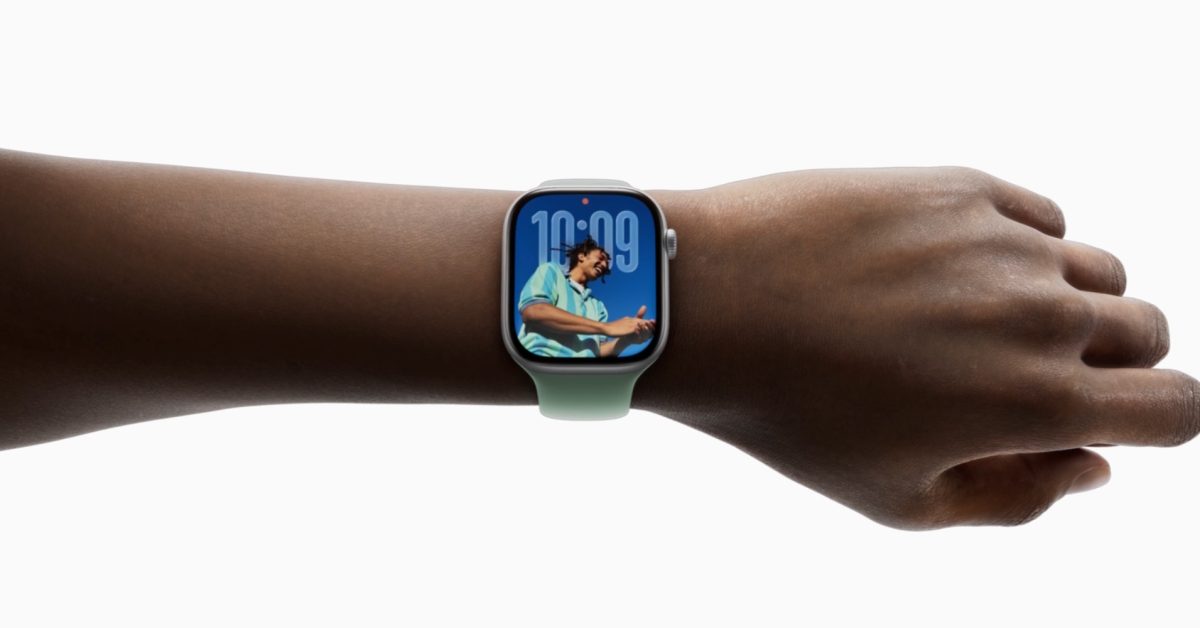
With the latest update to watchOS 26, Apple has introduced a game-changing feature for users of their popular smartwatch: the new wrist flick gesture. Here’s a closer look at how this works and the ways it can make daily routines smoother.
Wrist Flick: A New Level of Hands-Free Control
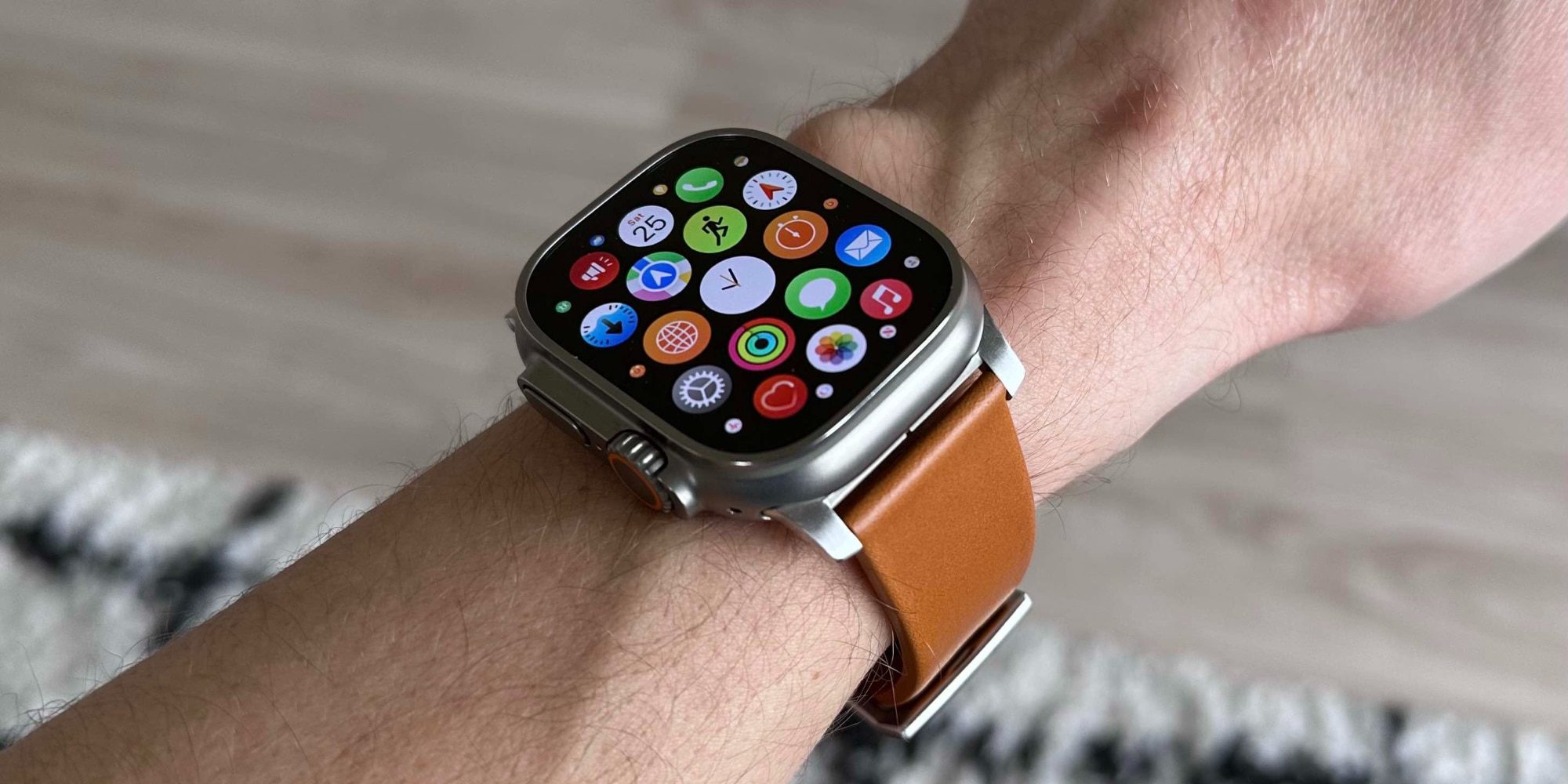
Apple has included two innovative gestures within watchOS for hands-free control:
- Double tap (introduced with the Series 9 in 2023)
- Wrist flick (the newest addition)
The wrist flick allows users to swiftly dismiss various alerts and notifications with a flick of the wrist. To execute it, move your wrist back then forward quickly. This can effectively silence or clear:
- Incoming notifications
- Open applications
- Phone calls
- Timers
- Alarms
Embracing the Wrist Flick Gesture in Daily Use
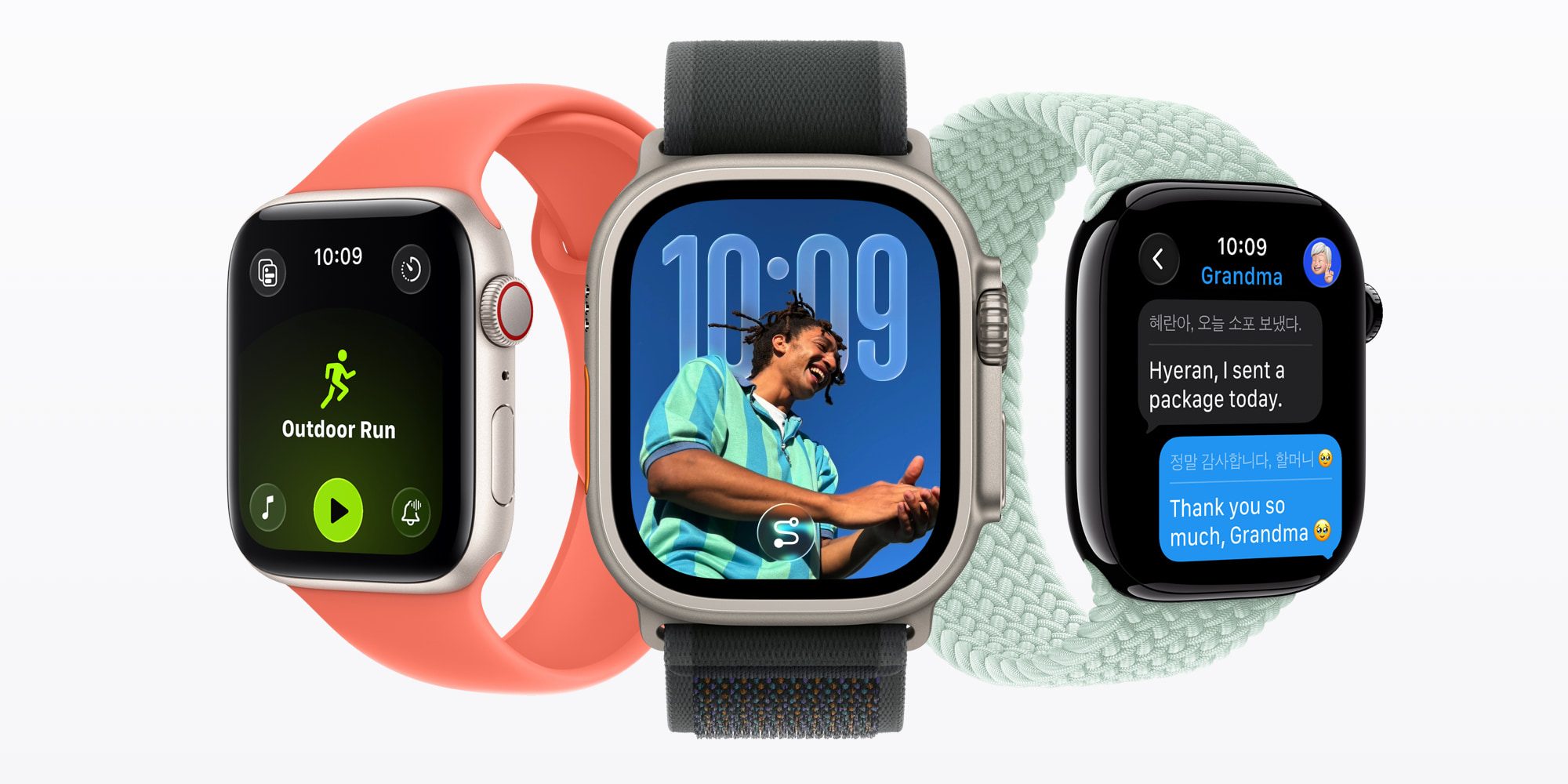
Adapting to the wrist flick gesture took some practice, but it quickly becomes second nature. Initially used mainly for dismissing notifications, it’s also effective for closing apps—something formerly done with the Digital Crown. Now, navigation has become effortless and hands-free.
This gesture is particularly useful for silencing timers and alarms when hands are occupied. If you haven’t yet embraced the wrist flick feature, it’s worth exploring—it can significantly enhance your Apple Watch experience.
The wrist flick gesture is compatible with the Apple Watch Ultra 3 & 2, Apple Watch Series 11, 10, 9, and the Apple Watch SE 3.
Key Takeaways
- The wrist flick gesture enhances user interaction in watchOS 26.
- It enables hands-free dismissal of notifications, apps, and alarms.
- Users may need time to adjust to this gesture, but practice makes it instinctive.
- The feature is available on specific Apple Watch models, encouraging users to explore its functionality.