

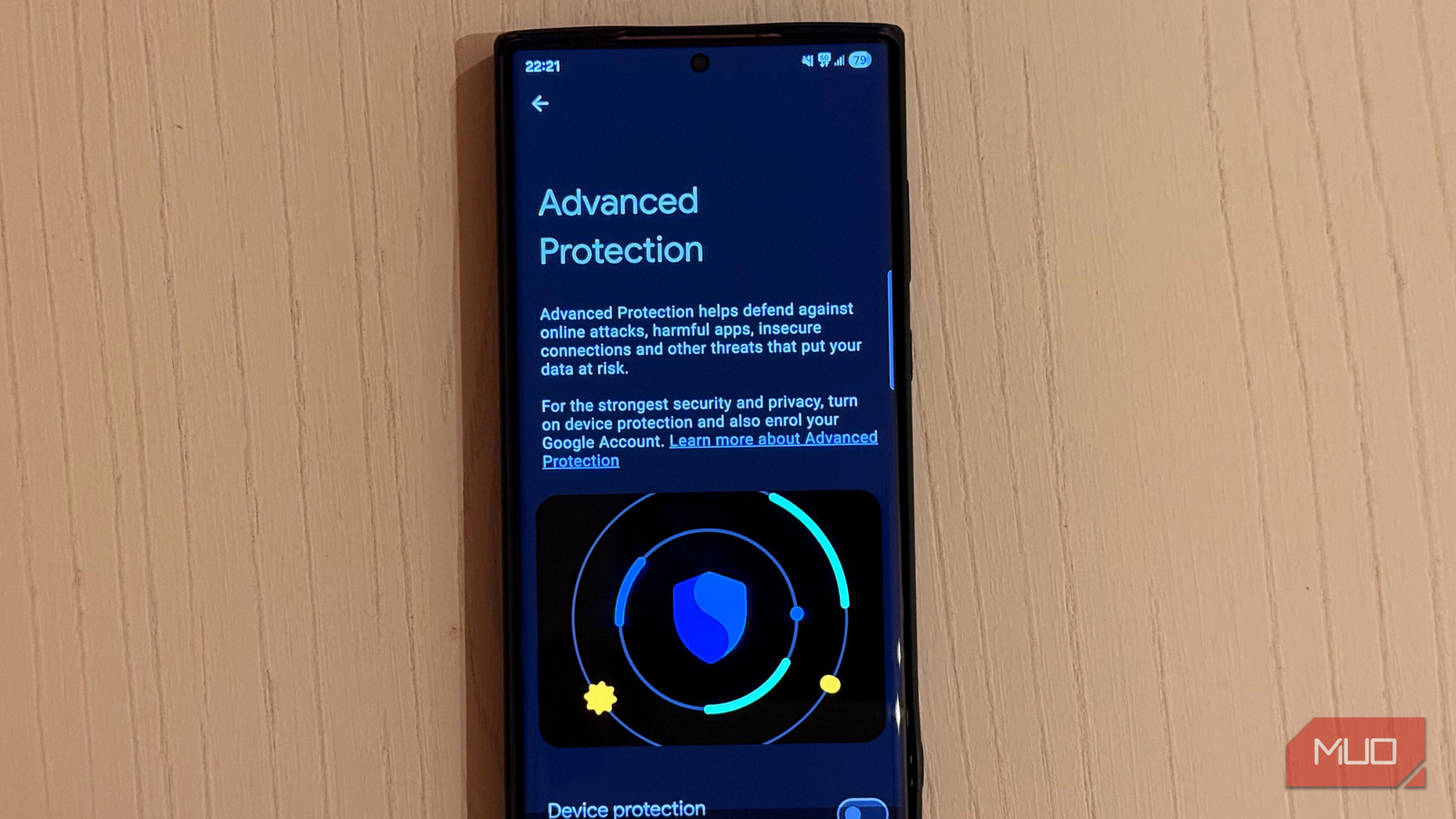
Smartphone safety is more than just a fingerprint lock or a simple passcode. Many believe that basic security measures make their devices secure enough, but that’s misleading. Android 16 introduces a feature called Advanced Protection that can significantly enhance your device’s defenses against digital threats.
Understanding Android’s Advanced Protection
A Comprehensive Defense Mechanism
Launched with Android 16, Advanced Protection acts as a comprehensive shield against online threats, malicious applications, and unauthorized access. It fortifies your smartphone against digital attacks and physical theft, making it a vital tool for anyone handling sensitive information.
Activating Advanced Protection on Your Device
Quick Steps to Enable This Feature
Enabling Advanced Protection is straightforward:
- Navigate to Settings -> System -> Software Update to ensure you’re running the latest version of Android 16.
- Open the Settings app and select Security and Privacy.
- Tap on Advanced Protection.
- Find the Device Protection toggle and switch it on.
- Confirm your choice by tapping Turn On.
- Restart your device if prompted.
What Changes When You Turn It On
Adjustments in Your Device’s Operation
Before enabling Advanced Protection, it’s wise to understand its implications. While your phone’s appearance remains unchanged, several important restrictions will take effect:
- Enhanced Device Safety: Activates features like Theft Detection and Offline Device locks, plus a 72-hour automatic reboot if inactive.
- Restrictions on App Installations: Apps cannot be downloaded from unknown sources; existing unknown apps will stop updating. Google Play Protect is enabled by default.
- USB Restrictions: Prevents USB data transfers while the device is locked.
- 2G Network Restrictions: Your device won’t connect to 2G networks, enhancing connection safety.
- Safer Browsing: Automatically activates Android’s Safe Browsing, protecting against phishing and harmful sites.
Maximize Your Protection with Google Account Enrollment
Additional Layer of Security
Enroll in Google’s Advanced Protection Program for added security, covering your device and cloud-based data such as Gmail and Google Docs. To start, visit Google’s Advanced Protection website, sign in, and follow the prompts to enroll.
Key Takeaways
- Boost Your Security: Advanced Protection locks down your device and enhances safety controls.
- Easy Activation: Requires just a few steps to significantly improve security.
- Understand the Trade-offs: Expect some restrictions on app installations and USB transfers.
- Consider Dual Protection: Enroll your Google account in the Advanced Protection Program to further strengthen defenses.
- Stay Informed: Regularly check for updates to enhance your overall safety.
Securing sensitive data goes beyond basic password protections. With Advanced Protection ready to be activated in Android 16, it’s crucial not to overlook this important feature for your device’s safety.