

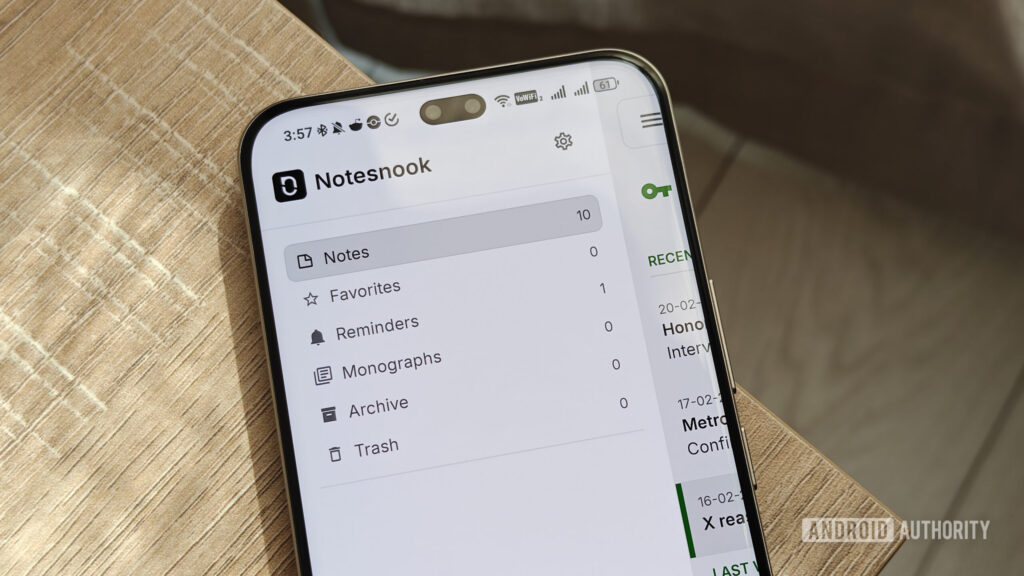
Discover a Free Notes App Worth Your Attention
In today’s world, where digital organization is king, many users are in search of reliable note-taking apps that balance functionality with privacy. Amid the numerous options available, Notesnook stands out for its unique combination of features and user-focused privacy initiatives.
This free app offers a wide array of useful features without sacrificing user security. Multi-device syncing allows seamless access to notes across platforms, eliminating the need for external cloud services. Users can rest easy knowing their notes are encrypted, ensuring their data remains private.
Why Notesnook Stands Out
When considering apps for taking notes, privacy protection and affordability are crucial. Notesnook impresses with its extensive offerings at no cost. Users gain access to an intuitive rich-text editor, reminders, and organizational tags, fostering both creative and practical uses. Features include lists for shopping or travel and tables for comparing specs.
Additionally, Notesnook supports file uploads—up to 10MB per file and 50MB per month—enabling the organization of information with various tags and notebooks.
Are There Any Drawbacks?
While Notesnook’s free plan is generous, it does have limitations. Uploaded images are compressed, and users face caps on colors, tags, and notebooks. Active reminders and shortcuts are also limited, but the plan’s flexibility allows for deleting old reminders to make way for new ones.
Tiered subscriptions are available for advanced features, but the free plan offers enough options to make switching worthwhile.
Notesnook’s unique approach—affordability paired with a clear focus on privacy—differs from the usual trend of tightening restrictions in note-taking apps.
Key Takeaways
- Privacy as a Priority: Notesnook focuses on user security without sacrificing features.
- Generous Free Plan: The app offers ample capabilities at no cost, with manageable limitations.
- Cross-Platform Convenience: Notes sync seamlessly across devices, making it easy to access notes anywhere.
- User-Friendly Features: Rich-text editing, reminders, and file uploads enhance usability.
- Adaptable Organizing: Users can create notes, organize them into notebooks, and use tags for efficient information retrieval.
Embracing tools like Notesnook fosters critical evaluation of what we need from our productivity apps, encouraging us to select platforms that respect our privacy while delivering the features we desire.