

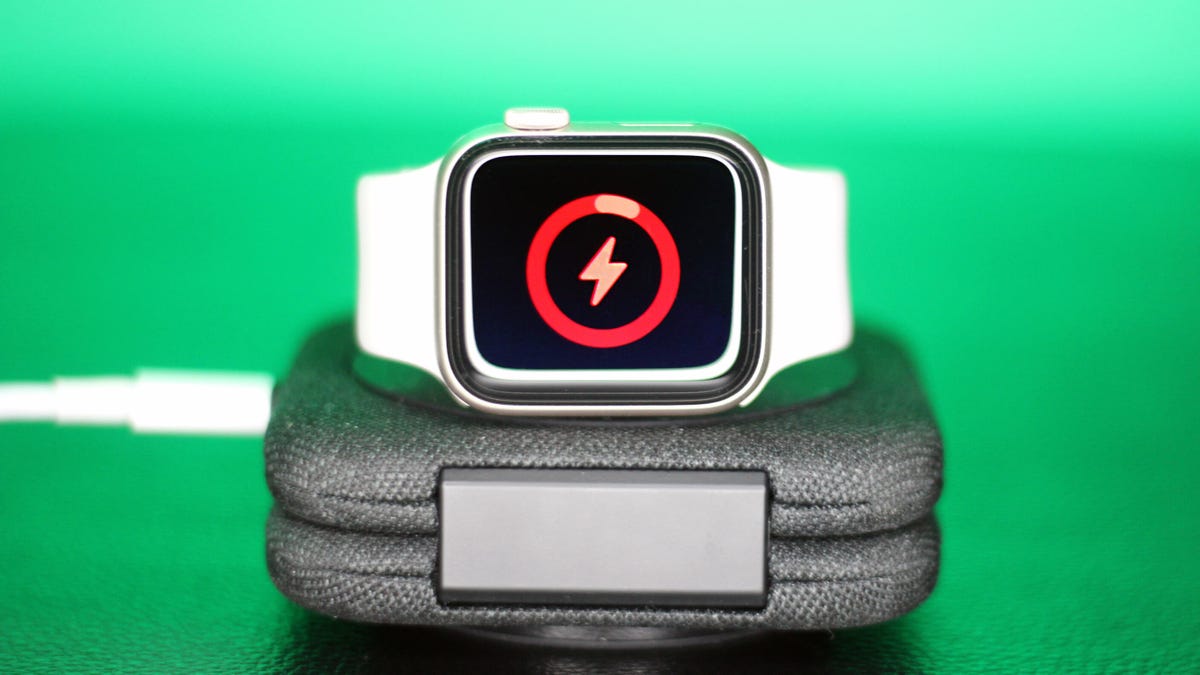
Battery life can be a challenge when using your Apple Watch, especially with features like sleep tracking. Here are some tips to enhance your Apple Watch’s battery performance.
1. Opt for Fast Charging
Ensure you’re using the right power source for rapid charging. A 20-watt USB-C adapter is recommended for a full recharge in under an hour.
2. Minor Sacrifices Mean More Hours
Disabling “Wake on Wrist Raise” and “Wake on Crown Rotation” can significantly save battery life by preventing the screen from lighting up unnecessarily.
3. Reduce Screen Brightness
Lowering screen brightness can add valuable hours of battery life. Adjust this easily in the Display & Brightness settings.
4. Choose Simple Watch Faces
Switching to a minimalist watch face helps conserve battery. Complex or animated faces drain power more quickly.
5. Managing Day Two Battery Life
Consider turning off the always-on display feature. This adjustment can extend your battery life throughout busy days.
6. Low Power Mode: Use Sparingly
Activating Low Power Mode at 15% can stretch remaining battery for crucial moments by turning off certain features and notifications.
7. Assess Your Battery Health
If your battery life remains an issue, check your battery health in Settings. Capacities below 80% may require replacement or upgrade.
Final Thoughts
Understanding your device and making minor adjustments can vastly improve your experience. Consider models like the Apple Watch Ultra for extended battery life.
Key Takeaways
- Choose the best charging accessories for maximum efficiency.
- Adjust settings like screen brightness for longer usage.
- Simplify your watch face for better battery performance.
- Regularly check battery health and consider a replacement if necessary.
- Use low power mode during critical times to conserve battery.
By making these simple changes, you can enhance your Apple Watch’s battery life and enjoy all its features without the constant worry about power.