

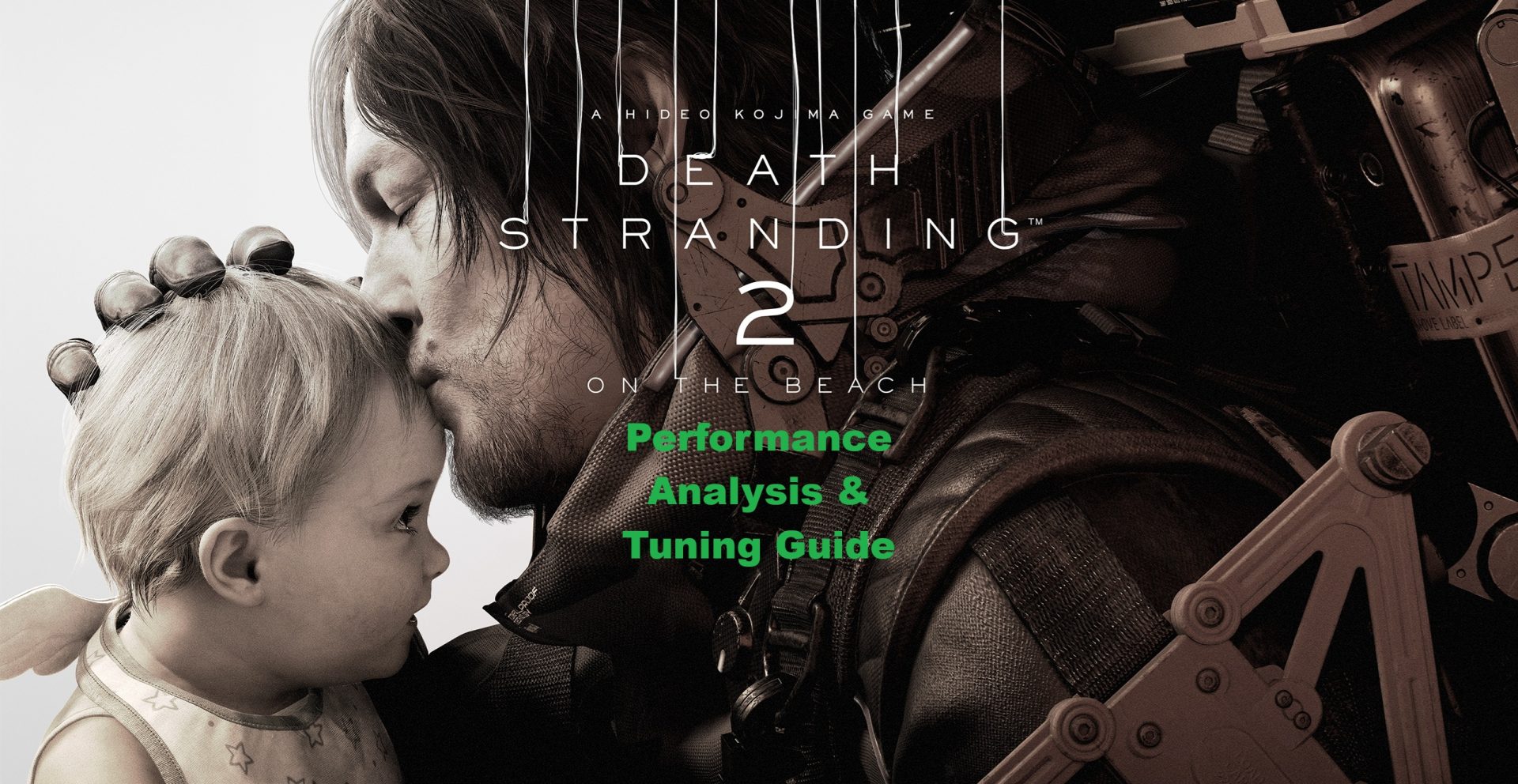
This guide delves into DEATH STRANDING 2: ON THE BEACH, examining its performance on various hardware and offering insights on optimizing settings for the best gaming experience. Whether you have a mid-range machine or a high-end gaming setup, we’ll help you find a sweet spot between visuals and performance.
Technical Insights on the Game
Launched on March 19, 2026, for PC on both Steam and the Epic Games Store, DEATH STRANDING 2: ON THE BEACH continues the story set in a post-apocalyptic world. The PC version includes features such as unlocked framerates, ultrawide support, frame generation technologies, and ray-tracing reflections and ambient occlusion.
System Requirements Overview
The game offers a flexible range of system requirements. A GTX 1660 can run it at 1080p with 30 FPS, while an RTX 3060 or 3070 is recommended for a smooth 1440p experience at 60 FPS. For 4K at 60 FPS, higher-end GPUs like the RTX 4080 are essential.
Loading Times and Shader Compilation
Initially, players may notice increased loading times due to shader compilation, particularly at the game’s start. Clearing shader caches can help, and asynchronous shader compilation minimizes the impact on gameplay.
Performance Considerations
Unique technical aspects include significant load on the PCI-Express bus. A shift from PCIe 4.0 to PCIe 5.0 may yield performance boosts.
Cutscenes and Frame Rates
Cutscenes are locked at 60 FPS, but frame generation technologies can enhance smoothness on high-refresh-rate monitors. Certain graphics settings may cause frame spikes during cutscenes.
Diving Into Graphics Settings
Understanding the graphical settings in DEATH STRANDING 2: ON THE BEACH is crucial for maximizing your experience. Tests were conducted using an Intel Core i7-14700K, 32 GB of RAM, and an NVIDIA GeForce RTX 4090.
Display and Graphics Settings
The Display Settings menu includes brightness, resolution, and VSync options, along with dynamic resolution scaling for fixed frame rates. The Graphics Settings menu allows tweaking various parameters to strike a balance between visual fidelity and performance.
Recommended settings include:
Upscale Method:
- NVIDIA RTX GPUs: DLSS Super Resolution
- Other NVIDIA and AMD GPUs: PICO
Texture Quality:
- Low (6 GB), Medium (8 GB), High (10 GB), Very High (12+ GB) based on VRAM
- Ambient Occlusion: High
- Reflections: High
- Level of Detail: High
Key Takeaways
- DEATH STRANDING 2: ON THE BEACH provides solid performance across various systems.
- High PCIe bandwidth usage may affect performance.
- Shader compilation during loading can increase load times but limits gameplay impact.
- Cutscenes lock at 60 FPS, with frame generation tech enhancing visual smoothness.
- Tweaking graphics settings is encouraged to optimize the experience based on system capabilities.
Players can enter the world of DEATH STRANDING 2: ON THE BEACH equipped with the knowledge to maximize their gaming experience. Experimenting with settings is recommended for the best results. Happy gaming!