






As I reflect on Google’s recent showcase of its Gemini AI system at I/O 2026, I find myself contemplating its real-world applications and effectiveness in our everyday lives. The central question remains: What are users genuinely achieving with Gemini?
In the past few years, artificial intelligence has crept into our daily conversations. While advancements in the field are regularly highlighted, actual engagement with these technologies remains varied. Personally, I wouldn’t classify myself as an AI skeptic, yet I am not entirely sold on its benefits either. Technologies like Gemini exhibit impressive capabilities but often seem to offer solutions that mirror existing methods rather than innovate substantially. The recent introduction of Gemini’s AI Overviews and Search features certainly garners attention, but does it deliver genuine improvements? I can’t help but question its effectiveness, especially as Google itself has acknowledged a decline in the open web.
Despite these uncertainties, I find myself seeking out ways to integrate Gemini into my routines, although it’s proving to be quite a challenge.
One area where AI has shown promise is coding. Since large language models excel in this domain, I’ve experimented with using Gemini for simple programming tasks. I recently created a Chrome extension with the assistance of AI and quickly realized its potential, particularly for developers. However, I maintain that a skilled human touch is critical for anything that is commercially distributed—AI should complement, not replace, human expertise.
Outside of coding, the effectiveness of Gemini can be hit or miss. However, I recently encountered a breakthrough while using Google Sheets. These tools can often be overwhelming, but they serve their purpose well once mastered. I’ve always considered myself fairly competent with spreadsheets, yet navigating advanced functionalities has historically required considerable research and trial and error. That’s where Gemini truly shines. While attempting to create a complex formula involving player names, payments, and payout structures, I grappled for an hour with traditional methods. However, when I decided to leverage Gemini’s capabilities in Sheets, I was amazed. Using natural language, it generated formulas like “COUNTIF” and “XLOOKUP” that I wouldn’t have been able to construct on my own, saving me a lot of time and frustration.
Beyond spreadsheets, Google Workspace as a whole presents various opportunities for utilizing Gemini effectively. While I remain skeptical about the “Docs Live” demo from I/O, features like formula generation in Sheets or image creation in presentation slides are genuinely beneficial applications for this technology.

Ultimately, I’m eager to hear from our readers. How are you utilizing Gemini? What applications are you finding most beneficial—in search, productivity tasks, or coding? Your insights could provide fresh perspectives.
This Week’s Highlights
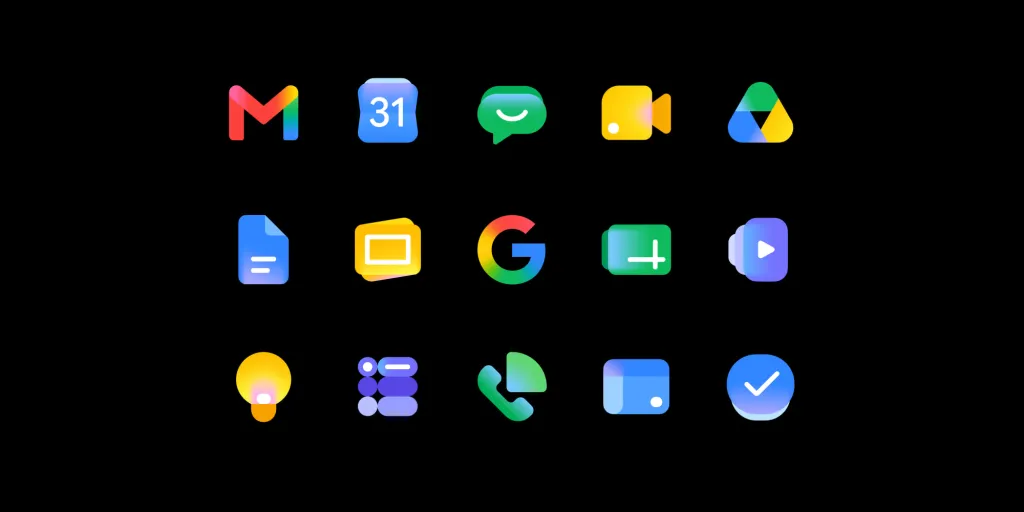
The Reason Behind Google’s Workspace Icon Redesign
Google has recently rolled out a new set of Workspace icons. This change marks a significant shift aimed at reflecting what some are calling the new “Gemini era.” Each application now has its own distinct identity, addressing concerns raised about the previous redesign.
Insights on Motorola’s Mysterious Amazon App Incident
Earlier in the week, we uncovered unusual behavior on Motorola devices that caused the Amazon app to redirect in a curious manner. This incident raised questions about possible motives, but the company has not yet clarified the situation, leaving many wondering what truly happened.
Additional Highlights

Key Takeaways
- AI tools like Gemini can be beneficial, but their effectiveness varies by application.
- Spreadsheets can be complex, yet AI can simplify tasks significantly.
- Real human input remains crucial, even when using AI for development.
- Workspace features like image generation can enhance productivity.
- Reader engagement can provide diverse insights into technology usage.