



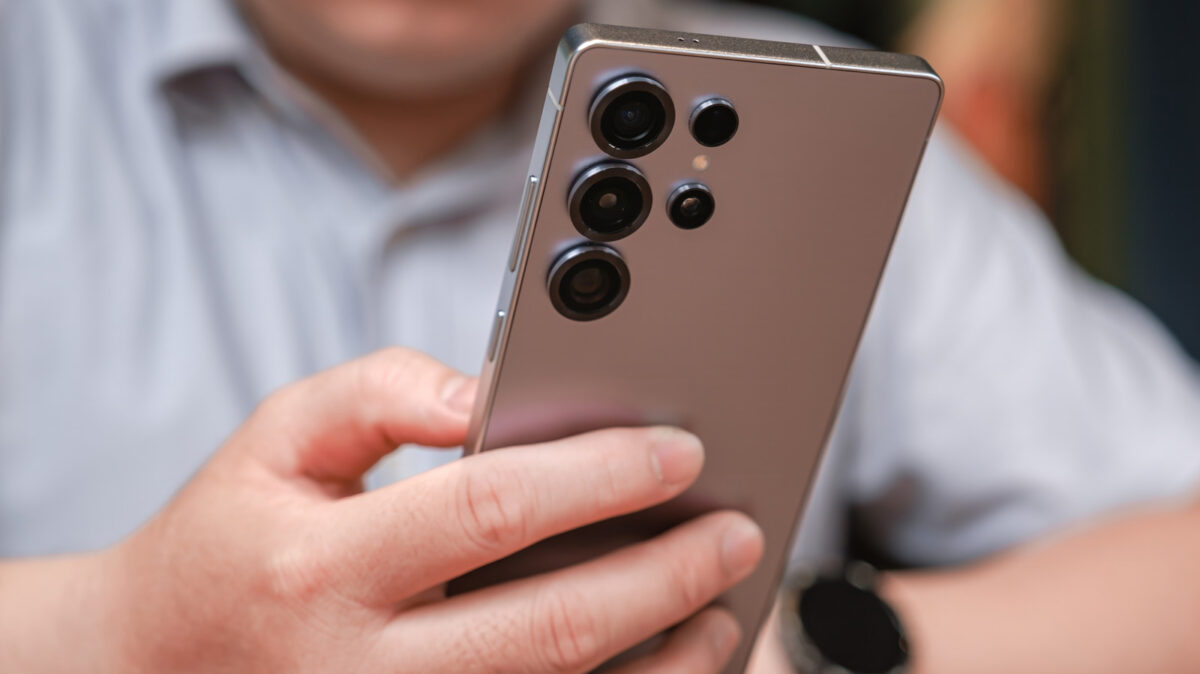
Android devices are known for their flexibility, offering a plethora of features beyond the typical capabilities you might expect. Many hidden functionalities can significantly enhance your device’s performance and usability. For example, privacy features like screen pinning can keep your data safe when you lend your phone to someone. Plus, entertainment options like casting your screen to a smart TV make sharing moments with family much easier.
With each update, Android might shift some functions away from the original layout, making it easy to overlook these valuable tools. Although the accessibility of these features can vary depending on the manufacturer, most modern Android devices incorporate these hidden gems.
Stream Your Screen to a Smart TV
One exciting feature available is the ability to stream your device’s screen to a smart TV effortlessly. This is particularly useful for sharing videos or photos directly from your phone during family gatherings. Instead of sending links, simply mirror your device to display everything on the larger screen.
To utilize this feature, both your Android phone and smart TV must be connected to the same Wi-Fi network. Look for options like “Cast” or “Smart View” in your quick settings menu. Depending on your TV’s configuration, you might need to toggle some settings to enable screen mirroring.
Curate Your Notifications with Cooldown Settings
A relatively new feature in Android is the notification cooldown, designed to help manage overwhelming alerts. This functionality regulates how notifications appear, especially during high-activity moments, minimizing distraction without cutting off important alerts like calls or alarms.
To enable the cooldown, go to Settings > Notifications on devices running Android 15 or later. Under the general options, you’ll find a toggle for Notification cooldown, which you can adjust according to your needs.
Enhance Privacy with App Pinning
App pinning, or screen pinning, safeguards your information by allowing you to pin an app to your screen. This means a temporary user can only access that single application without prying into your private data.
To set this up, navigate to your Security settings, activate app pinning, then open the desired app and select the pin option from the three-dot menu.
Silence Calls Using Gestures
For those instances when you need to quickly silence an incoming call, gesture controls can be helpful. Some devices feature a “Flip to Silence” option that mutes calls simply by turning your phone face down.
This setting can typically be found in System settings under gestures. Once it’s activated, flipping your phone will mute any incoming calls.
Explore Secret Short Codes
Hidden short codes can unlock a wealth of information about your device. These numerical combinations can provide details like your IMEI number or enable various functions depending on your phone model and carrier.
For diagnostics or operational adjustments, simply type them into your device’s dialer.
Key Takeaways
Understanding these features can optimize your Android experience:
- Utilize screen casting to easily share your mobile content on your TV.
- Adjust your notification settings to minimize distractions.
- Implement app pinning for sharing your phone without compromising privacy.
- Use gesture controls for quieting calls without unlocking your phone.
- Explore hidden short codes for diagnostic insights about your device.