




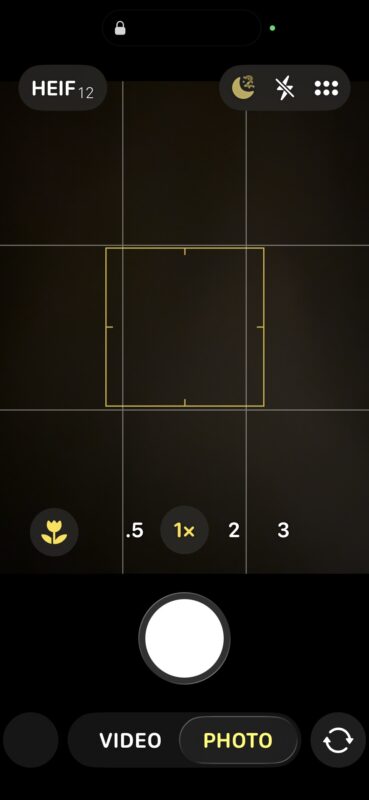
The latest update to iOS 26 has brought significant changes to the Camera app, leaving many iPhone users bewildered. This overhaul has led some to think that Portrait Mode, a feature synonymous with iPhone photography, has disappeared from their devices. When they launch the Camera app, the options presented are merely “Photo” and “Video,” creating an impression that other modes, including Portrait, are inaccessible.
So, is it true that Portrait Mode is gone? The answer is a definitive no!
While the interface has changed, the good news is that Portrait Mode is still very much available for iPhones operating on iOS 26. You just need to know how to access it, along with other features that may seem hidden at first glance.
Accessing Portrait Camera Mode on iPhone with iOS 26
If you’ve been trying to locate Portrait Mode and thought it had disappeared, follow these steps:
- Launch the Camera app; your initial view will show only the Photo and Video options.
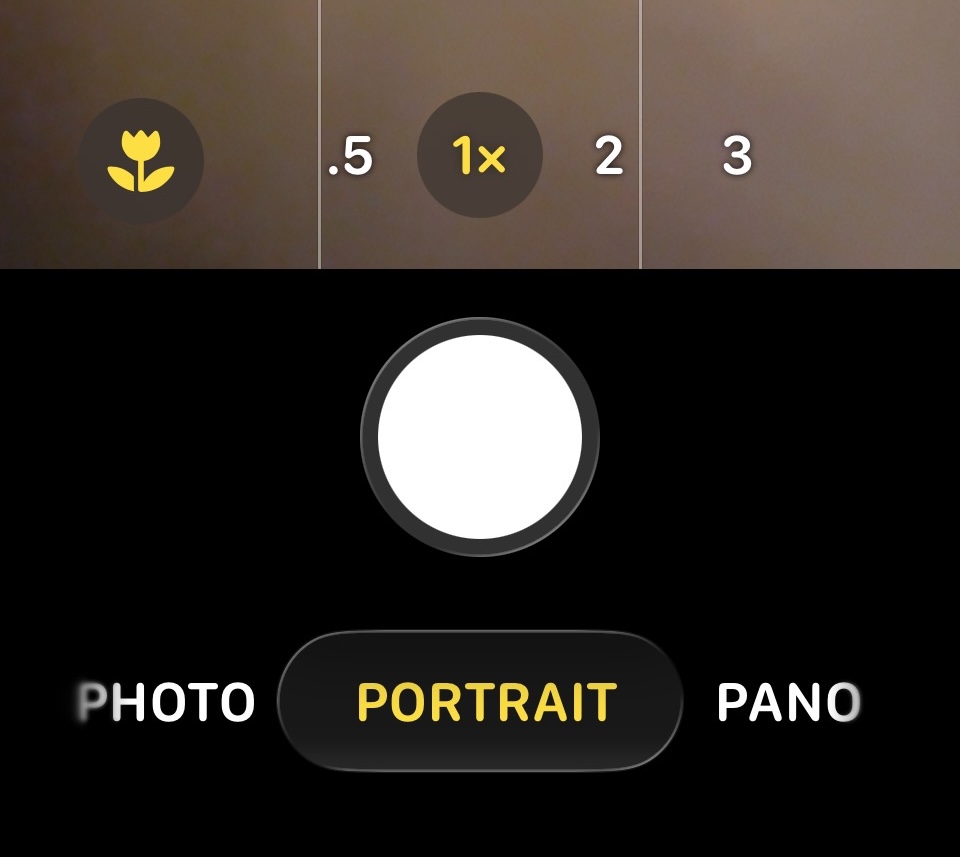
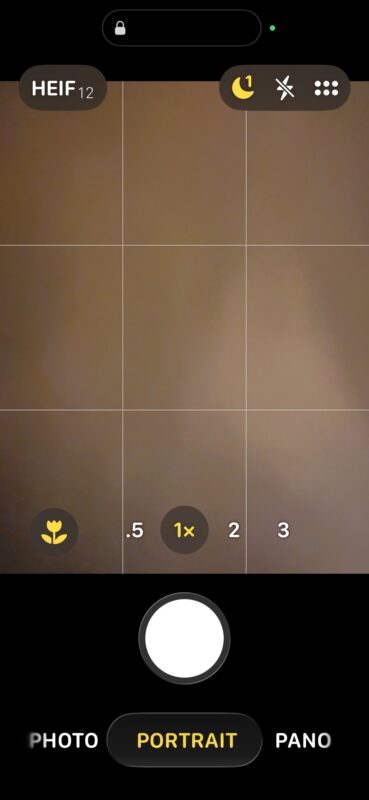
- Swipe left or right on the mode selector until you see the option for “Portrait.”
- Once in Portrait Mode, tap the multi-box icon or swipe up to reveal additional settings.

You’re all set to create beautiful portrait photos!
Is Portrait Mode no longer available on iOS 26 for iPhones?
A common misconception is that Portrait Mode has been removed from iPhones running iOS 26.
Portrait Mode is still present in all iPhone models equipped with iOS 26; it’s just not as easily discovered, as the feature is tucked away behind a swiping menu.
Why is Portrait Mode more challenging to find in iOS 26?
Given that Apple has long touted Portrait Mode as a flagship photography option, users have expressed confusion regarding its less visible placement. This change reflects a shift towards a more minimalist design, which may complicate access to certain features.
Feedback from users tends to influence software design, so it’s plausible that future versions will offer clearer navigation for accessing all camera modes.
The Upshot: Portrait Mode remains; it’s just tucked away
The Camera app redesign may have streamlined the interface too aggressively. While emphasizing frequently used features, it complicates access to additional functions. Instead of a straightforward layout, users must now swipe through options that lack clear indicators.
Simply remember to swipe left or right within the Camera app to rediscover Portrait Mode and other options.