



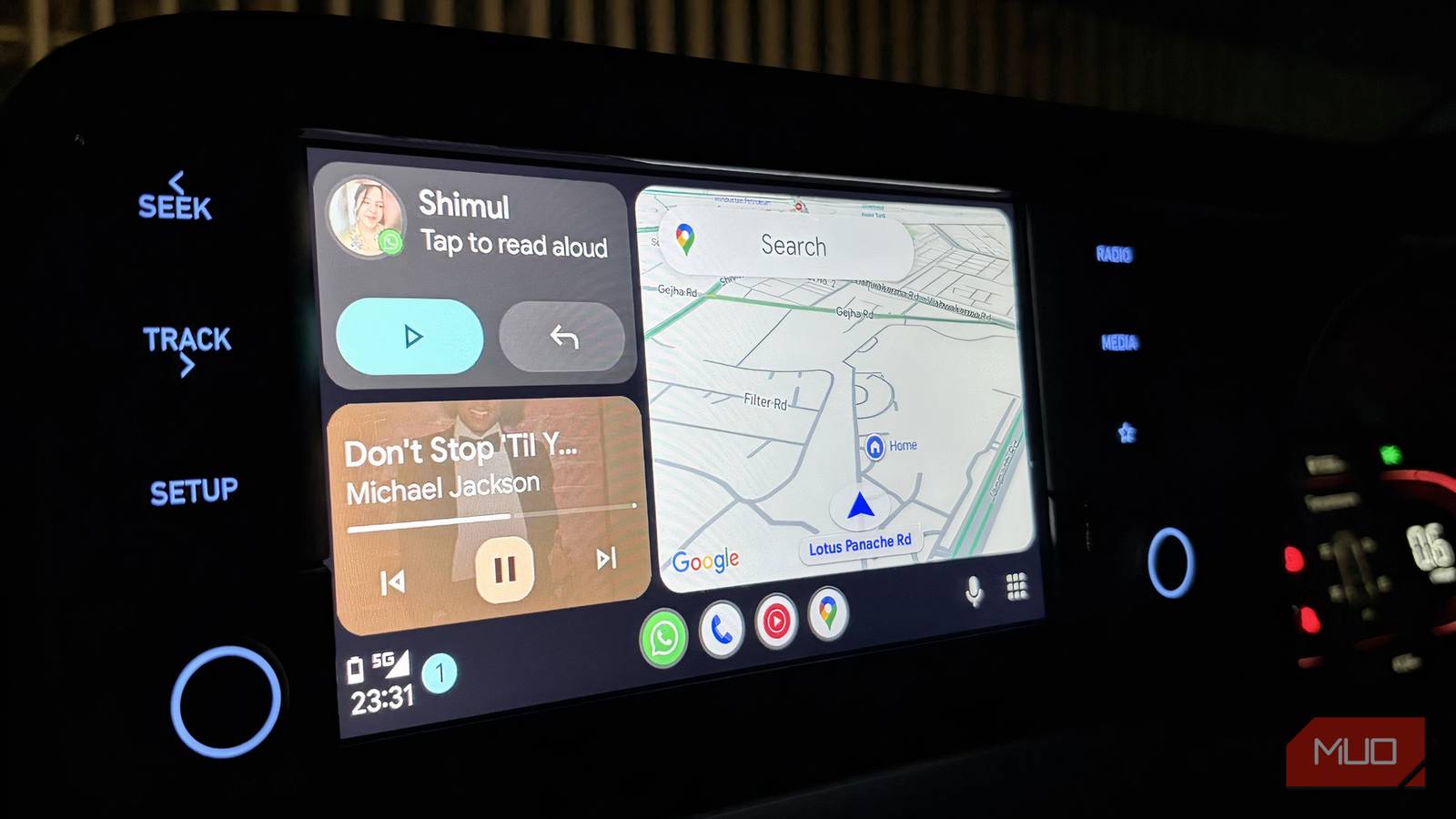
Tools like Android Auto are transforming how we interact with our vehicles, specifically in how notifications are managed to reduce driver distraction.
Staying focused on the road is paramount. Alerts, whether a message ding or an app notification, can divert attention for longer than you’d think. A car’s dashboard should primarily serve navigation purposes, making everything else secondary. Android Auto shines by filtering distractions and streamlining communication.
One standout feature is the customizable notifications based on driving mode. Once activated, this setting limits unwanted distractions, allowing you to choose which alerts are relevant while driving.
A Quieter, More Focused Experience
Android Auto’s Driving Mode enhances the driving experience with a hands-free interface that emphasizes voice commands and essential information. This mode simplifies your phone’s interface to focus on larger buttons and voice activation. With a command like, “Hey Google,” you can make calls, send texts, or change playlists without taking your hands off the wheel or your eyes off the road.
The Do Not Disturb feature can automatically mute notifications while driving, preventing distractions from less urgent notifications while still allowing important calls or messages to come through.
Activating Driving Mode
To enable the Driving Mode on your Android phone, follow these simple steps:
- Open the Settings app.
- Navigate to Modes.
- Select Driving.
- Tap on Set Up Driving.
You can manage when Driving Mode activates, such as when your phone connects to your car’s Bluetooth or detects movement consistent with driving. This ensures your phone doesn’t activate at inappropriate times.
Furthermore, you can filter which contacts or apps can send notifications while you drive, ensuring only relevant information comes through.
Utilizing Android Auto Effectively
Once connected to your car, you can initiate Driving Mode by saying, “Hey Google, let’s drive.” The system recognizes you’re in a vehicle and adjusts the interface, minimizing distractions and highlighting essential features.
This setup ensures that vital communications are accessible without overwhelming you with constant alerts, creating a more serene driving environment.
Key Takeaways
- Customization: Android Auto allows for customized notifications, encouraging focus on driving.
- Voice Commands: A hands-free experience helps maintain safety by minimizing manual interactions.
- Automatic Engagement: Driving Mode activates automatically based on Bluetooth connections or motion detection.
- Notification Control: Users can filter which contacts and apps can interrupt them.
- Enhanced Focus: This creates a cleaner, less distracting interface while driving.
By harnessing these features, drivers stay connected while prioritizing safety, offering a balanced approach to modern driving.