

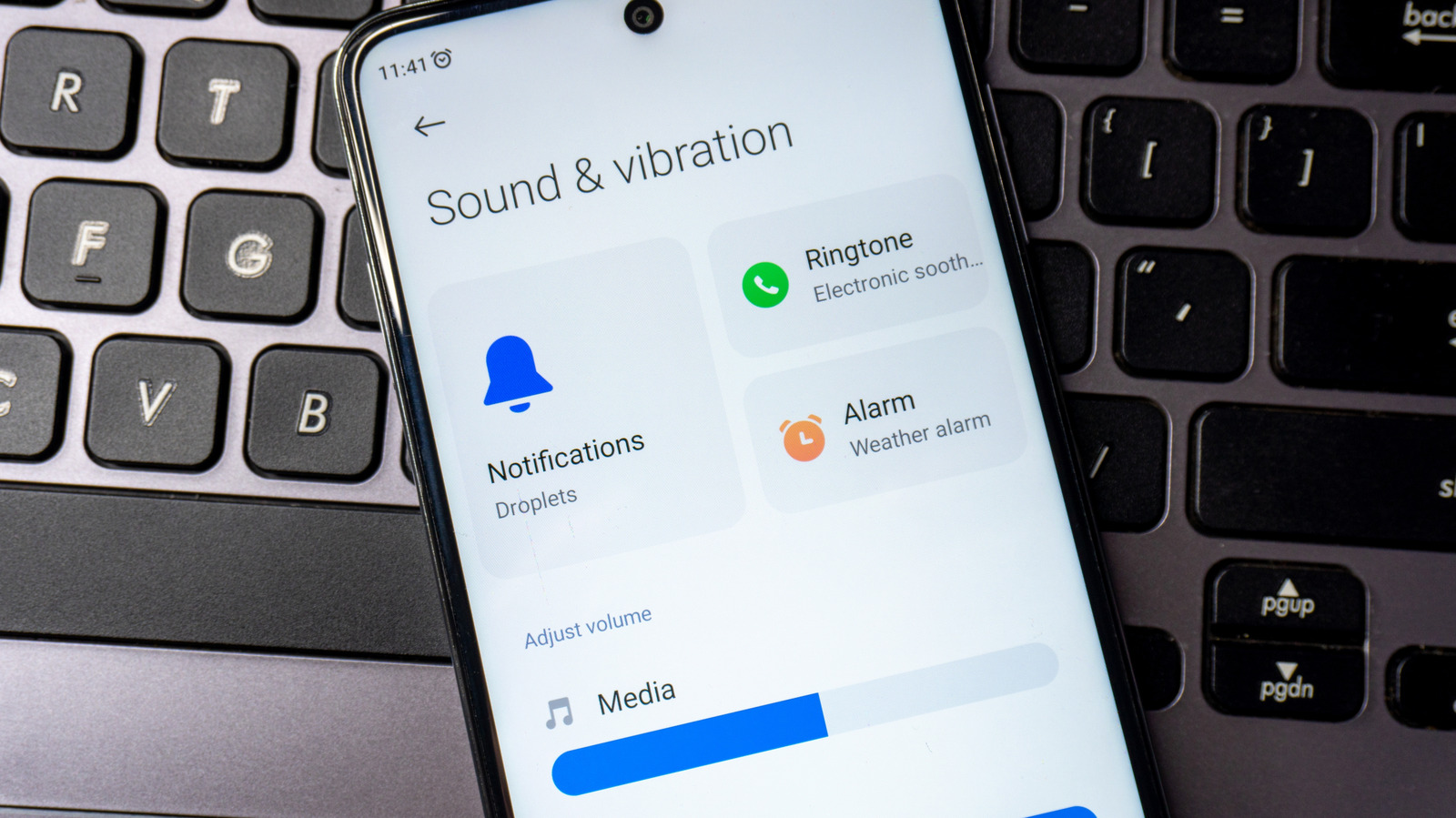
Gone are the days when we solely relied on external speakers and headphones for superior sound quality. Today’s Android smartphones offer improved speakers that can deliver satisfactory audio performance. If your phone’s sound isn’t living up to your expectations, there are hidden settings that can transform your auditory experience without needing to upgrade.
Small tweaks or the installation of a reliable app can make a difference. Features such as high-quality audio codecs, turning off built-in volume limits, adjusting the equalizer, or activating Dolby Atmos can enhance your audio experience.
Choose a High-Resolution Audio Codec
If you use Bluetooth headphones or speakers, selecting a high-resolution audio codec can enhance sound quality. Many devices support these superior codecs, but your phone may default to standard options. Using LDAC could provide better audio fidelity. To change this, connect your Bluetooth device, unlock Developer Options, and select LDAC under Bluetooth Audio Codec settings.
Turn Off Media Volume Limit and Bluetooth Absolute Volume
Certain Android settings can restrict the maximum sound level. To disable the Media Volume Limit, go to Settings, then Sounds and Vibration, select Volume, tap on the ellipsis, and turn off the limit. For Bluetooth Absolute Volume, go back to Developer Options and enable its toggle. Test the volume level after adjustments to see if there’s an increase.
Modify the Equalizer Settings
Equalizers allow adjustments across frequency ranges. You can access built-in presets like Pop or Rock for convenience. To modify, go to Sounds and Vibration settings, select Sound Quality and Effects, and explore the Equalizer menu. Testing presets can reveal how adjustments impact audio.
Activate Dolby Atmos
Enabling Dolby Atmos can significantly improve audio immersion. To activate, connect your audio device, navigate to Sounds and Vibration settings, find Sound Quality and Effects, and toggle Dolby Atmos on. Ensure your content supports Dolby Atmos for maximum effect.
Consider Using a Volume Booster App
If the previous methods don’t achieve the desired volume, third-party volume booster apps can be an alternative. While they vary in effectiveness, apps like Volume Booster GOODEV can enhance audio output. Use them cautiously to protect both your hearing and device longevity.
Results may vary based on your device model, so experiment with various tweaks to find what works best.